There are few modern annoyances more ridiculous than this one: your music is playing beautifully, you tap Facebook for a quick peek, and suddenly your song gets cut off like it insulted the algorithm. One second you are vibing. The next second, silence. Or worse, a random Reel starts talking at you like it owns the place.
If your music stops when you open Facebook, the problem usually comes down to one of three things: Facebook is grabbing audio focus, your phone is being aggressive about battery and background activity, or one of the apps involved has become glitchy after an update. The good news is that this problem is usually fixable without phone surgery, interpretive dance, or throwing your device into the sea.
This guide walks through the most effective fixes for iPhone and Android, explains why the issue happens, and helps you figure out whether Facebook is the problem, your music app is the problem, or your phone settings are acting like a hall monitor.
Why your music stops when you open Facebook
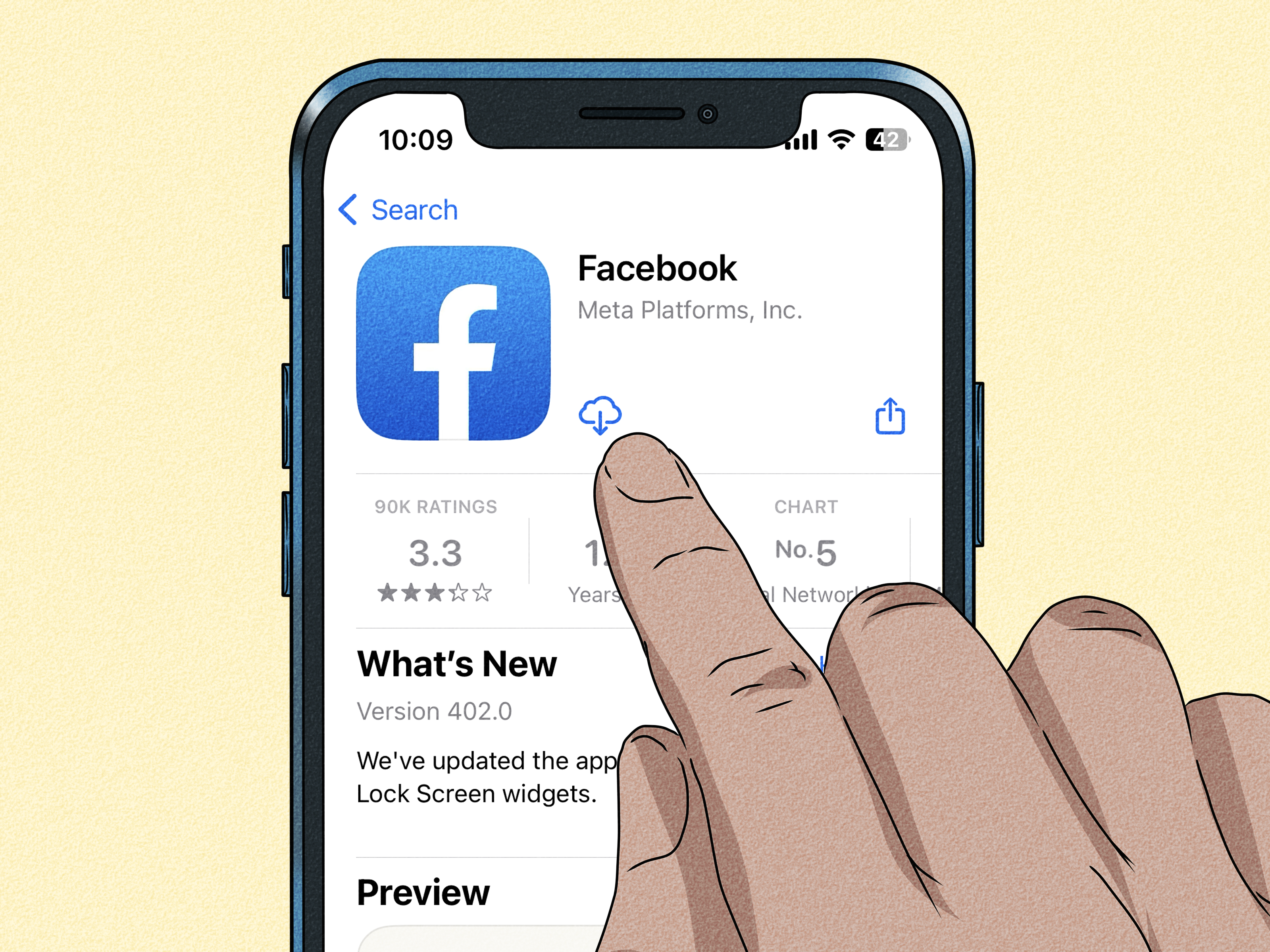
When you open Facebook, the app may immediately prepare videos, Reels, Stories, or other media. If those videos are set to start with sound, Facebook can take over your phone’s audio session. That can pause or interrupt music from Spotify, Apple Music, YouTube Music, Pandora, or another player.
On top of that, some phones treat music apps like background freeloaders and try to save battery by limiting what they can do when you switch to another app. If Facebook opens at the exact moment your phone is already being stingy with background activity, your music app may tap out completely.
In plain English: Facebook barges in, your phone panics, and your music gets evicted.
The fastest fixes to try first
1. Turn off Facebook videos starting with sound
This is often the biggest fix. If Facebook videos start with sound automatically, the app can interrupt whatever you are listening to. Go into Facebook’s settings, find the Media section, and turn off Videos Start With Sound.
If your problem is specifically “music stops the instant I open Facebook,” this setting should be your first stop. It is the most suspicious character in this drama.
2. Reduce or disable autoplay in Facebook
Autoplay can also contribute to audio interruptions, especially if Facebook begins loading videos the moment the app opens. In the same Media settings area, adjust autoplay so Facebook is less eager to blast media into your day.
You do not need Facebook acting like a DJ who never asked permission.
3. Update both Facebook and your music app
If Facebook or your music app is outdated, odd playback bugs can show up after an operating system update or a recent app release. Update Facebook first, then update the app you use for music. If your phone has pending system updates, install those too.
It is not glamorous advice, but updates fix a shocking number of problems. Technology, as always, enjoys pretending it has never met you before.
4. Restart your phone
Yes, the classic “turn it off and on again” still deserves respect. A restart can clear temporary audio-session conflicts, memory hiccups, and buggy app behavior. If your music started cutting out only recently, especially after an update, restart the phone before you do anything more dramatic.
How to fix it on iPhone
Check Background App Refresh
On iPhone, open Settings > General > Background App Refresh and make sure it is enabled. Then check your music app and confirm it is allowed to refresh in the background.
This does not guarantee perfection, but it can help your music app behave more reliably when you jump between apps. If your phone is restricting background activity, playback can become fragile.
Turn off Low Power Mode
Low Power Mode is great when your battery is hanging on by a thread, but it can also reduce background activity. If your music stops when opening Facebook, turn Low Power Mode off temporarily and test again.
This is especially worth checking if the problem seems random. Many people forget Low Power Mode is on, then wonder why their phone suddenly acts like it is conserving energy for a moon landing.
Do not force-close your music app before switching
A lot of people swipe away apps out of habit, thinking they are “cleaning things up.” On iPhone, that can backfire. If you manually close your music app in the app switcher, it may not stay ready to run in the background the way you expect.
So if you are listening to music, do not force-close the player before opening Facebook. Let it live. It is trying its best.
Close and reopen Facebook if it seems glitchy
If the problem happens only with Facebook and not with other apps, force-close Facebook, then reopen it. If that does not help, do the same with your music app. Sometimes the issue is not a permanent setting at all; it is simply one app having a tiny electronic meltdown.
Reinstall the problem app if needed
If Facebook still causes interruptions after you change media settings, update apps, and restart the phone, reinstall Facebook. If the problem follows your music app everywhere, reinstall the music app instead.
Just remember that some music apps may require you to re-download offline content after reinstalling.
How to fix it on Android
Turn off Battery Saver and test again
Android battery-saving features can limit background activity, which is not great for uninterrupted music playback. If Battery Saver is on, switch it off temporarily and see whether your music behaves normally when opening Facebook.
If that solves the issue, you have identified the culprit: your phone was trying so hard to save power that it forgot you wanted joy.
Check your music app’s background battery settings
On many Android phones, you can open Settings > Apps > [your music app] > Battery and review how the app is allowed to run in the background. On Pixel devices, look for options related to Allow background usage. If the app keeps getting cut off, try the less restrictive background option available on your device and test again.
This matters most if your music stops not only in Facebook, but also when you switch to other apps.
Check for sleeping apps on Samsung phones
If you use a Samsung Galaxy phone, Samsung’s battery tools may place apps into Sleeping apps or even Deep sleeping apps. If your music app is there, it may not behave well in the background.
Open your battery and background usage settings and check whether your music app has been put to sleep. If it has, remove it. On some devices, you can add it to Never sleeping apps so it is allowed to keep running properly.
Clear Facebook’s cache
Android makes cache-clearing easy, and it can help when Facebook is acting weird after an update. Go to Settings > Apps > Facebook > Storage or Storage & cache, then clear the cache.
This removes temporary files without deleting your account data. It is basically telling Facebook, “Please stop being strange, but politely.”
Clear your music app’s cache too
If Spotify, YouTube Music, or another app is the one stuttering, clear that app’s cache as well. Temporary files can get corrupted, and playback problems often improve after a quick cleanup.
If clearing cache does not help, clearing storage or reinstalling the app is the next step. Just be aware that clearing storage may sign you out or remove downloads.
App-specific tips that can help
Spotify
If Spotify is your player, start with the basics: restart the app, update it, and reinstall it if necessary. Spotify’s own troubleshooting guidance leans heavily on those steps for playback bugs, and for good reason. They often work.
If you reinstall Spotify, expect to re-download your offline music. Annoying, yes. Effective, also yes.
YouTube Music
If YouTube Music is the app cutting out, clear its cache, check for app and system updates, and restart your device. If Facebook is interrupting playback only when YouTube Music is in the background, your issue may be partly tied to Android battery restrictions, so check those settings too.
Apple Music and other players
Even if you are not using Spotify or YouTube Music, the same logic applies: update the app, restart the phone, avoid force-closing the app before switching, and check background settings. Audio apps all live under the same laws of mobile chaos.
How to tell whether Facebook is really the problem
Here is a simple test. Start your music, then open a different app that contains media, such as Instagram, YouTube, or a news app with auto-playing video. If your music keeps playing there but stops only in Facebook, Facebook’s media settings are the likely cause.
If your music stops whenever you open any app, the problem is probably broader. In that case, look at battery saver settings, background activity permissions, app updates, and reinstalling the music app.
If your music stops only when using one specific music service, the music app itself may be the weak link.
A practical step-by-step fix order
If you want the short version, use this order:
- Turn off Videos Start With Sound in Facebook.
- Reduce or disable Facebook autoplay.
- Update Facebook and your music app.
- Restart your phone.
- Check iPhone Background App Refresh or Android background battery settings.
- Turn off Low Power Mode on iPhone or Battery Saver on Android.
- Clear Facebook cache on Android, and clear your music app’s cache if needed.
- Check Samsung Sleeping Apps if you use a Galaxy phone.
- Reinstall Facebook or the music app if nothing else works.
That order solves the problem for a lot of people without sending them into a two-hour settings maze.
Common mistakes people make
Blaming the wrong app
Sometimes people assume Spotify or Apple Music is broken because that is the app that stops. But the real trigger is Facebook opening audio content with sound. The app that visibly fails is not always the app that caused the failure.
Leaving battery restrictions in place
Battery-saving features are sneaky. They often work quietly in the background, so it is easy to forget they are enabled. If your phone is in a power-saving mode, that alone can make music playback less reliable while switching apps.
Force-closing apps too aggressively
Many users treat the app switcher like a weed whacker. Unfortunately, constantly swiping apps away can make background playback worse, not better.
Real-world experiences with music stopping when opening Facebook
A very common experience goes like this: someone starts a playlist on Spotify, locks the phone, then opens Facebook to check a message or scroll for “just one minute.” The second Facebook loads, a Reel or video wakes up with sound enabled, and the song pauses immediately. The person assumes Spotify is broken, reopens Spotify, presses play again, and then the exact same thing happens the next time Facebook opens. That pattern usually points to Facebook’s media settings, not the music app.
Another common situation happens on Android phones, especially ones with aggressive battery tools. Music plays fine while the screen is on, but the minute the user switches apps, playback becomes unreliable. Facebook simply exposes the issue because it is a heavier app with video, autoplay, and background activity of its own. In those cases, the real fix is not always inside Facebook. It is often found in Battery Saver, app battery controls, background usage permissions, or Samsung’s sleeping apps list.
iPhone users often describe the problem differently. They say the music app works most of the time, but after a recent iOS update or after enabling Low Power Mode, playback becomes touchy. They might open Facebook, Messages, or another app and suddenly the music pauses more often than it used to. Then they discover Low Power Mode has been on all day, or they have been force-closing the music app from the app switcher without realizing that this can make background behavior less reliable.
Some people also notice that the issue feels random at first. One day Facebook opens without causing trouble. The next day it interrupts music every single time. That usually happens after an app update changes a media setting, after the phone turns on battery saving automatically, or after cached app data gets messy. In other words, the problem can seem mysterious when it is really just a bunch of small settings colliding at the same time.
There are also users who fix the issue in under two minutes. They open Facebook, turn off Videos Start With Sound, and suddenly everything goes back to normal. Those are the lucky ones. Others need a more complete cleanup: app updates, cache clearing, a restart, and maybe reinstalling Facebook or the music app. The important thing is that this problem usually has a practical explanation. Your phone is not haunted. It is just trying to manage audio, battery, and autoplay all at once, and sometimes it does that with the grace of a shopping cart missing one wheel.
If your experience has been especially frustrating, do not assume you are stuck with it. This is one of those annoying mobile problems that often responds well to a methodical checklist. Once you remove Facebook’s automatic sound, relax battery restrictions, and clean up any app glitches, your music should be able to survive your social media habit.
Final thoughts
If your music stops when you open Facebook, the most likely fix is also the most satisfying one: stop Facebook from trying to become a surprise radio station. Turn off video sound, tame autoplay, and then check your phone’s battery and background settings.
After that, update apps, restart the device, clear cache where appropriate, and reinstall only if necessary. Most people do not need every fix in this guide. They just need the right one. And with a problem this annoying, finding the right one feels a little like winning an argument with your phone.