If you’ve ever looked at your streaming subscriptions and thought, “Cool, I guess I’m majoring in monthly fees now,” this guide is for you. The good news: in 2024, eligible college students in the U.S. could get 50% off Max’s ad-supported plan. The better news: the signup process is pretty simple once you know where to click.
This guide explains how the HBO Max student discount (yes, many people still call it HBO Max) works, who qualifies, how to verify through UNiDAYS, and what to do if the discount code acts like it has finals week anxiety.
Quick Answer: What Is the HBO Max Student Discount?
In 2024, Max introduced a 50% student discount for eligible U.S. college and university students. The offer applied to the Max With Ads / Basic With Ads monthly plan, bringing the price down from $9.99/month to $4.99/month at launch.
To get it, students needed to verify their status through UNiDAYS, then redeem a discount code on Max. The discount typically runs for up to 12 months, with re-verification required to continue if you’re still eligible.
Important note: If you’re reading this later and seeing $5.49/month on current pages, that can still be the same 50% dealjust based on a later price increase to the underlying plan. (Streaming services and their pricing love plot twists.)
HBO Max vs. Max: Why the Name Confuses Everyone
Let’s clear this up before your group chat turns into a branding debate. The streaming service was widely known as HBO Max, and many users still search for “HBO Max student discount.” In 2024, the service branding in the U.S. was generally Max.
So if you see “HBO Max student discount” and “Max student discount” used interchangeably, that’s normal. In practical terms, you’re looking for the same student offer tied to Max’s ad-supported plan and verified through UNiDAYS.
Who Qualifies for the 50% Max Student Discount?
Eligibility can change, but the typical 2024 student-offer requirements included:
- Current student status at a college or university (subject to verification)
- UNiDAYS verification (free account required)
- U.S. availability (the offer was promoted as U.S.-only)
- Age 18+
- Monthly ad-supported plan only (not ad-free tiers)
Translation: if you’re an eligible student, in the U.S., and okay with ads, you’re probably in business.
How to Get the 50% HBO Max Student Discount (Step-by-Step)
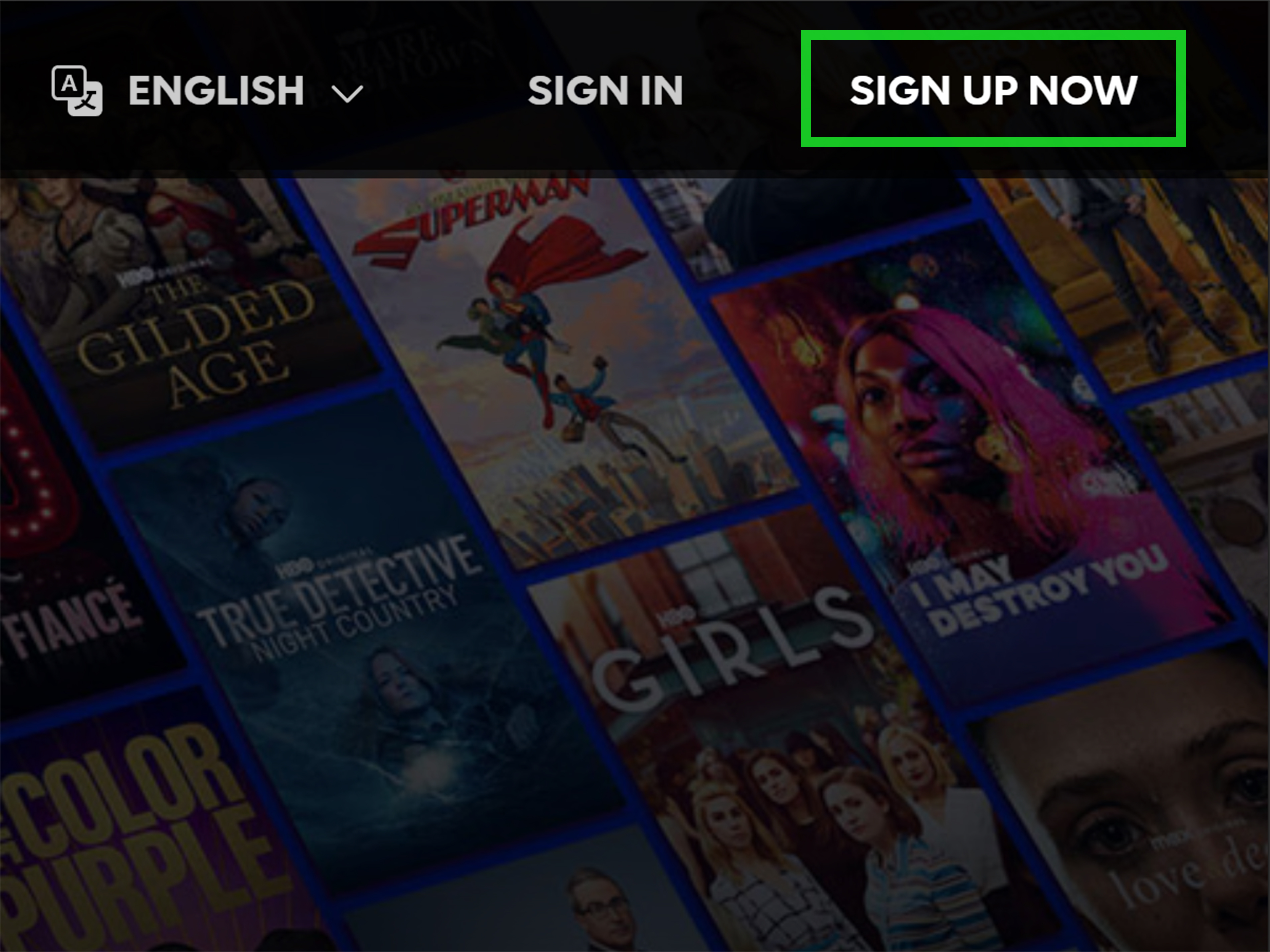
Step 1: Go to the Max/HBO Max Student Discount Page
Start from the official Max/HBO Max student discount landing page (or the UNiDAYS partner page for HBO Max/Max). That’s the route most students use to avoid random coupon websites promising “97% off forever!!!” and delivering heartbreak.
Step 2: Sign In to UNiDAYS or Create a Free Account
Max uses UNiDAYS to verify student status. If you already have a UNiDAYS account, sign in. If not, create one for free and complete verification using your student information.
Verification is usually fast, but if your school details don’t match right away, don’t panic. It may require additional confirmation depending on your institution.
Step 3: Complete Student Verification
Once UNiDAYS confirms you’re an eligible student, you’ll unlock access to the offer. In many cases, you receive a discount code (or are redirected through a claim flow) that you can use during signup on Max.
Step 4: Redeem the Discount on Max
Go back to Max and apply the student offer during signup. Be sure you’re selecting the ad-supported monthly plan, since that’s the tier the discount is typically attached to.
If you accidentally choose an ad-free tier, the price won’t reflect the student discount. That’s not a bugit’s the offer doing exactly what it says (even if your wallet objects).
Step 5: Confirm Billing and Start Streaming
Before clicking the final purchase button, double-check:
- The monthly price reflects the student discount
- The plan says With Ads / Basic With Ads
- Your billing method is correct
- You’re subscribing directly in a way that accepts the promo (some third-party billing setups may complicate redemption)
Then you’re done. Time to reward your financial responsibility with a totally responsible “just one episode” that becomes five.
What If You Already Have Max?
This is where many students get stuck. If you’re already subscribed, your ability to apply a student discount may depend on how you’re billed (directly through Max vs. a third party like an app store, device platform, or provider).
A practical approach:
- Check your current billing provider in your account/subscription settings.
- See whether your subscription is billed directly through Max or through a third party.
- Review the student-offer flow and terms before making changes.
- If necessary, wait until the end of your billing cycle before switching to avoid duplicate charges.
If your current subscription is bundled or included through a provider, compare the value before switching. “Discounted” is great, but “included for free in another plan you already pay for” is even better.
Common Problems (and How to Fix Them)
1) “I’m a student, but UNiDAYS can’t verify me”
This usually happens because of mismatched school details, graduation status changes, or account information issues. Recheck your school name, student email, and enrollment details. If needed, use UNiDAYS support.
2) “The code doesn’t work”
Make sure:
- You’re redeeming it on the correct Max signup page
- You selected the eligible ad-supported monthly plan
- The code hasn’t expired or already been used
- Your billing setup isn’t blocking promo redemption (especially with third-party subscriptions)
3) “I got the discount, but I’m being charged full price”
Check the billing receipt and plan tier first. If you’re on the wrong plan, the discount may not apply. If the plan looks correct but pricing doesn’t, contact Max support with your verification and redemption details.
4) “Do I have to re-verify?”
Usually, yes. The student rate is commonly tied to a 12-month period, after which you may need to verify student status again to continue the discount.
Is the Max Student Discount Worth It?
For most college students, yesespecially if you already planned to subscribe and don’t mind ads. Here’s why it’s a strong deal in 2024:
- 50% off is a meaningful discount in streaming-land
- You still get the same core library of Max content (the discount is about price, not a “lite” catalog)
- It’s simple to activate compared with complicated bundle promos
- It can pair well with other student streaming deals to build a budget-friendly entertainment stack
The main trade-off is the ad-supported plan. If ads drive you up the wall, you may still prefer a pricier ad-free plan. But if you’re balancing tuition, rent, groceries, and the occasional emergency coffee, saving 50% is hard to ignore.
2024 Pricing Snapshot vs. Later Pricing (Why Numbers May Differ)
One reason this topic gets confusing: articles and official pages can show different numbers depending on when they were published.
In the 2024 launch period, the student discount was widely described as:
- $4.99/month student price
- $9.99/month regular ad-supported plan price
Later help pages and promo listings may show:
- $5.49/month student price
- because the underlying ad-supported plan price increased
That doesn’t necessarily mean the discount changedjust the base price. Always check the final checkout amount before subscribing.
FAQ: HBO Max Student Discount (2024 Guide)
Is the HBO Max student discount really 50% off?
Yes. The offer was promoted as 50% off the ad-supported Max plan for eligible students.
Is the student discount available for ad-free Max plans?
Generally, no. The student offer is usually limited to the ad-supported monthly plan.
Do I need a .edu email address?
Not always specifically a .edu email, but you do need to complete UNiDAYS student verification. The exact verification method can vary by school.
How long does the discount last?
Commonly up to 12 months, after which you may need to re-verify student status to continue.
Can I use the discount if I’m already subscribed?
Sometimes, but it depends on your current billing provider and subscription setup. Check your billing source before switching.
Student Experience Stories and Practical Tips (Extended Section)
Here’s the part most “how-to” articles skip: what the process actually feels like for students in real life. In practice, getting the Max student discount is usually less about technical difficulty and more about timing, attention to detail, and not rushing through checkout at 1:13 a.m. while eating cereal over your keyboard.
A common student experience goes like this: you hear about the deal from a friend, a group chat, or a back-to-school roundup, and your first reaction is, “There’s no way this is real.” Then you go to the student page, get redirected to UNiDAYS, and suddenly realize you forgot your UNiDAYS password from the one time you used it for a shoe discount. Five password resets later, you’re back in business.
Another common scenario: you’re already paying full price for Max and feel mildly betrayed by your own timing. The good news is that plenty of students successfully switch over after checking their billing source. The key is to slow down and confirm whether you’re billed directly through Max or through a third party. If you skip that step, you can end up confused about why your promo won’t applyeven though you did everything “right.”
Students also tend to underestimate how useful it is to take a screenshot during each step: UNiDAYS verification confirmation, discount claim page, and final checkout price. That sounds extra, but if anything goes wrong, those screenshots can save you from having to reconstruct your entire signup history from memory. (And let’s be honest, your memory is already busy holding three deadlines and half a stats chapter.)
From a budgeting perspective, the discount feels small month-to-month but meaningful across a semester. Saving a few dollars every month on a streaming service won’t pay tuition, but it can cover snacks, laundry, or part of a rideshare when the weather is terrible and your umbrella has chosen betrayal. Students who stack this kind of deal with other student discounts on music, food delivery, and software usually notice the difference more than students who only chase one-time coupons.
There’s also the emotional side of it: having an affordable streaming option can be a genuinely nice quality-of-life upgrade during stressful school periods. Study breaks are real. Dorm movie nights are real. “I need one episode before writing this paper” is extremely real. And while ads aren’t anyone’s favorite, many students decide they’re a fair trade when the price is cut in half.
The students who get the most value from the Max student discount usually do three things well: they verify early (not the night before a binge plan), they check the plan tier carefully, and they set a reminder for re-verification before the 12-month period ends. That last one matters. A lot of people don’t realize the promo window can expire until they notice a higher charge and suddenly become detectives.
Bottom line: the experience is usually smooth if you treat it like a mini financial admin task instead of a random impulse purchase. Spend five focused minutes verifying, redeeming, and checking the price, and you’ll save yourself future headaches. That’s a pretty good trade for a student discountand honestly, for adulting in general.
Final Thoughts
The HBO Max student discount (aka the Max student discount) is one of the more straightforward streaming deals available to eligible U.S. college students in 2024. If you’re okay with the ad-supported plan, the 50% savings is real, useful, and worth the few minutes it takes to verify through UNiDAYS.
Just remember the two golden rules: verify your student status and double-check the checkout price. Do that, and you can get back to what truly matterswatching one episode while pretending you’re “just taking a short break.”