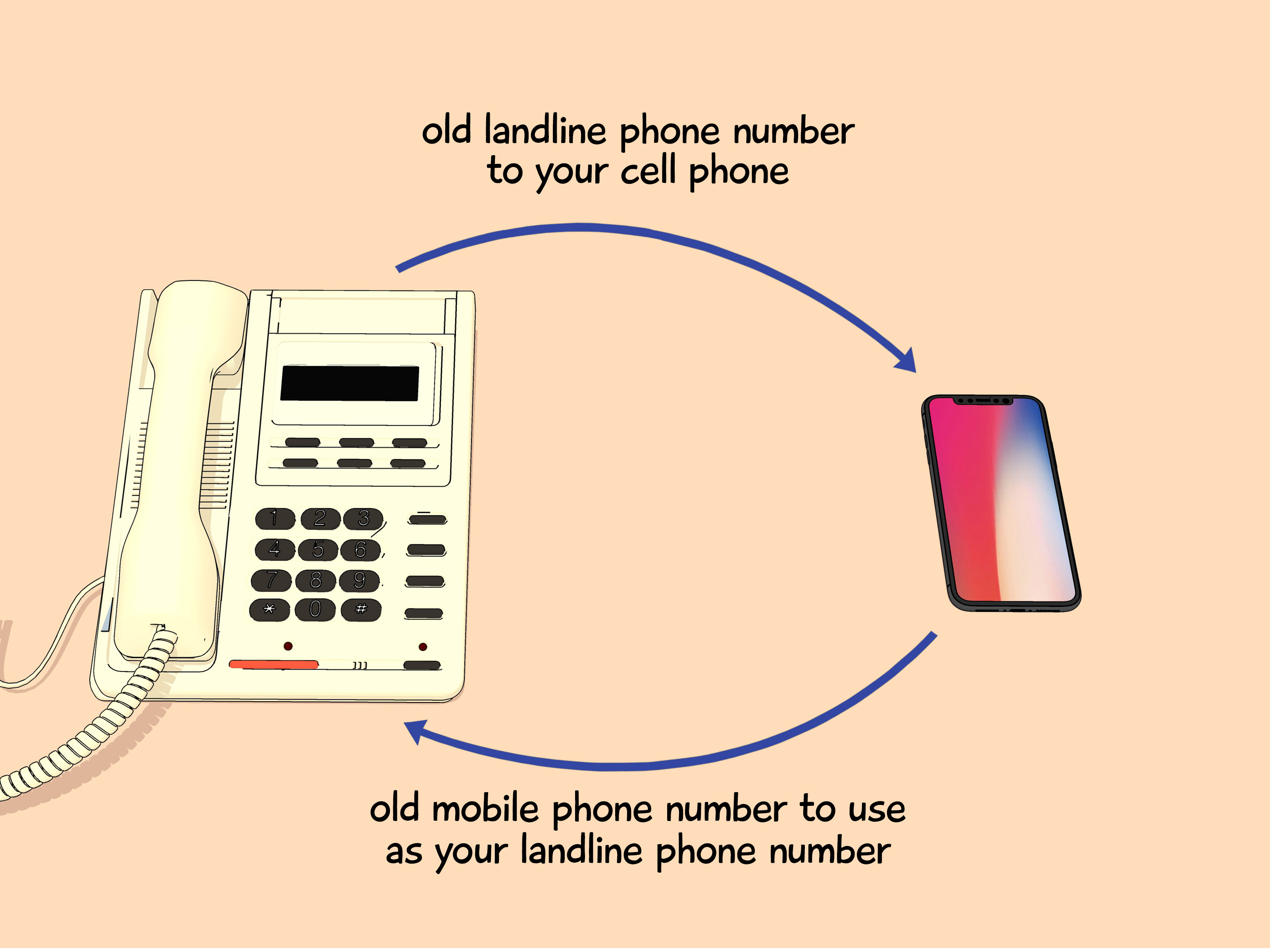
Changing phone carriers used to feel like moving houses: new address, new keys, new confusion, and at least one person asking, “Wait, who is this?” Thankfully, switching wireless, landline, or VoIP providers no longer means giving up the phone number you have had since flip phones were considered futuristic. In the United States, phone number porting lets you transfer your existing number to a new provider, so your friends, family, clients, doctors, delivery apps, bank alerts, and group chats can still find you.
The process is usually simple, but “simple” does not always mean “impossible to mess up.” One wrong PIN, a canceled old account, a locked phone, or a mismatch in your billing ZIP code can turn a quick carrier switch into a customer-service scavenger hunt. This guide explains how to keep your phone number, how porting works, what information you need, how long it takes, and how to avoid the mistakes that delay transfers.
What Is Phone Number Porting?
Phone number porting is the process of moving your current phone number from one service provider to another. You might port a number when switching from Verizon to T-Mobile, AT&T to Mint Mobile, a cable-company mobile plan to Google Fi, a landline to a wireless carrier, or a business VoIP provider to another phone system.
The main keyword here is keep your phone number, but the practical meaning is even better: you get to switch service without telling everyone in your life that you have a new number. No awkward “new phone, who dis?” messages. No missed calls from your dentist. No lost two-factor authentication codes because your number vanished into the carrier wilderness.
Can You Always Keep Your Phone Number?
In most cases, yes. If you are switching service providers and staying in the same general geographic area, you can usually keep your current number. This applies across many types of providers, including wireless, traditional landline, and internet-based phone services.
However, there are a few limits. A number may not be portable if it is inactive, disconnected, tied to a location where the new provider does not offer service, or involved in a complicated business account setup. Some numbers connected to specialized systems, bundled services, or old landline exchanges may require extra handling. The golden rule is simple: check number eligibility with your new provider before canceling anything.
How Phone Number Porting Works
Porting is a behind-the-scenes handoff between your old provider and your new provider. You do not personally move the number like a suitcase. Instead, you authorize your new carrier to request the number from your current carrier. Your old carrier verifies the information, approves the release, and the new carrier activates your number on its network.
Think of it like transferring schools. Your new school asks your old school for your records. If your name, birthday, and paperwork match, things move quickly. If someone wrote your name as “Jonathan A. Smith” in one system and “Jon Smith” in another, congratulations: you have discovered bureaucracy.
Before You Port: Your Pre-Switch Checklist
Before starting the number transfer process, gather everything you need. Most delays happen because customers begin the port before they have the right information.
1. Keep Your Current Service Active
Do not cancel your current phone plan before porting your number. Your number usually must be active for the new carrier to transfer it. If you cancel first, the number may be released, frozen, or sent into a confusing limbo that requires support agents, patience, and possibly emotional snacks.
2. Find Your Account Number
Your current carrier account number is one of the most important pieces of porting information. It may appear on your bill, in your online account, or in the carrier’s mobile app. For prepaid services, the account number may not look like a traditional bill number, so check the provider’s help page or contact support.
3. Request a Number Transfer PIN
Many wireless carriers require a special Number Transfer PIN, also called a port-out PIN, transfer PIN, temporary port PIN, or porting password. This is not always the same as your account password or phone unlock code. Major carriers such as AT&T, Verizon, and T-Mobile have specific ways to generate this PIN through their apps, websites, or short codes.
4. Confirm Your Billing ZIP Code
Your billing ZIP code must usually match what your current provider has on file. If you moved recently, update your address before starting the port. A mismatched ZIP code is one of the most common reasons a number transfer gets delayed.
5. Check Whether Your Phone Is Unlocked
Keeping your number is separate from keeping your phone. You can port your number even if you buy a new device, but if you plan to bring your current phone, it must be unlocked and compatible with the new carrier’s network. Use your phone’s IMEI number to check compatibility before you switch.
How to Port Your Phone Number Step by Step
Step 1: Choose Your New Carrier or Phone Service
Start by choosing the provider you want to move to. Compare coverage, price, hotspot rules, international features, family plan discounts, device promotions, and customer support. A cheaper plan is only a win if it works where you live, work, commute, and pretend to answer emails from coffee shops.
Step 2: Check Number Transfer Eligibility
Most carriers offer an online tool where you can enter your phone number to see whether it can be transferred. This does not start the port; it simply checks whether the number is likely eligible. Do this early, especially if you are moving from a landline, VoIP provider, business phone system, or smaller prepaid carrier.
Step 3: Gather Your Current Carrier Information
Have your phone number, current carrier name, account number, transfer PIN, billing ZIP code, and account holder name ready. If the account is under a family member’s name, business name, or old address, use the exact information on the current carrier account.
Step 4: Start Service With the New Provider
When signing up, choose the option that says something like “keep my number,” “transfer my number,” or “bring my number.” Enter the details carefully. Do not guess. Porting forms are not forgiving little forms; they are tiny gatekeepers with clipboards.
Step 5: Wait for the Transfer to Complete
Your old service should generally keep working until the port is complete. During the transition, you may experience a short period of mixed service, where calls, texts, or data behave strangely across the old and new devices. This is usually temporary.
Step 6: Test Calls, Texts, Data, and Voicemail
After the transfer completes, test everything. Call out, receive a call, send and receive SMS messages, test MMS picture messages, check mobile data, and set up voicemail. If you rely on bank texts or authentication codes, test those too. Some short-code messages may take longer to resume after a port.
How Long Does Number Porting Take?
Simple wireless number transfers can happen quickly, sometimes within minutes or a few hours. Under U.S. number portability rules, simple ports are generally processed within one business day. More complex transfers can take longer.
Wireless-to-wireless ports are usually the fastest. Landline-to-wireless, wireless-to-landline, VoIP, business accounts, multi-line accounts, and bundled services may take several business days. If you are moving a business number that appears on ads, invoices, Google Business Profile, or a website, plan the timing carefully so customers are not left calling into the void.
Common Reasons Phone Number Porting Fails
Wrong Account Number
Some carriers have multiple numbers on a bill: phone number, device number, invoice number, and account number. Only one is the correct porting account number. Use the number shown in your carrier portal or confirm with support.
Expired or Incorrect Transfer PIN
Transfer PINs often expire after a short period. If you generate a new PIN after submitting your port request, the old PIN may stop working. Update the request with the new PIN or start again.
Inactive or Canceled Service
If the number is no longer active, the port may fail. This is why every carrier guide says the same thing in different words: do not cancel your old service until the transfer is done.
Name or Address Mismatch
The account holder name, address, and ZIP code should match the current carrier’s records. Small differences can slow approval, especially for business and VoIP numbers.
Device Lock or Compatibility Issues
A locked phone may not work on the new network even if your number ports successfully. Check the phone unlock status before switching, especially if you financed the device or bought it through a carrier promotion.
Can Your Old Carrier Refuse to Port Your Number?
Your current carrier generally cannot refuse to port your number simply because you owe a balance or have an early termination fee. That does not mean the bill disappears. It means the number transfer and the billing dispute are separate issues. Your old provider can still bill you for unpaid charges, device balances, or contract obligations.
In plain English: you can take your number with you, but your final bill may follow like a very persistent raccoon.
Does Porting Your Number Cost Money?
Some providers may charge fees related to porting, activation, SIM cards, or account setup, though many waive them as part of promotions. Always read the checkout page before clicking submit. A plan that looks cheap may include activation costs, device payment requirements, or promotional terms that change after a few months.
Porting a Landline or VoIP Number
Porting a landline or VoIP number can take longer than a typical wireless transfer. The provider may ask for a recent bill, service address, account PIN, authorized user name, or a letter of authorization. If your landline is part of an internet or TV bundle, ask whether porting the number will affect the rest of your services.
Business VoIP numbers deserve extra caution. Before starting the port, document call forwarding rules, auto attendants, extensions, fax lines, emergency address information, and any numbers used in marketing. A business port is not the time to discover that your “main number” is actually connected to three departments, two menus, and one fax machine that refuses to retire.
Protect Yourself From Port-Out Fraud
Phone number porting is useful, but scammers also try to abuse it. In a port-out scam or SIM swap, a criminal may try to move your number to a device or carrier they control. Once they control your number, they may receive security codes for email, banking, cryptocurrency, social media, or shopping accounts.
Protect yourself by adding a PIN or password to your wireless account, using carrier port-out protection when available, limiting personal information shared publicly, and using authentication apps instead of SMS codes for sensitive accounts whenever possible. If your phone suddenly loses service for no clear reason, contact your carrier immediately.
Should You Port Your Number or Get a New One?
Most people should port their number. Keeping your phone number avoids missed calls, protects account access, and saves you from updating dozens of contacts and services. It is especially important if your number is tied to banking, medical providers, job applications, school systems, business clients, or two-factor authentication.
Getting a new number may make sense if you are escaping spam, harassment, old business calls, or a number that has been recycled too many times. Just remember that a new number may come with its own history. Sometimes “fresh start” means “someone named Brenda used this number for coupon clubs in 2018.”
Quick Porting Checklist
- Check that your number is eligible to transfer.
- Do not cancel your current service before the port completes.
- Collect your account number, transfer PIN, billing ZIP code, and account holder name.
- Confirm your phone is unlocked and compatible if you plan to keep it.
- Start the transfer through your new provider.
- Watch for emails or texts requesting more information.
- Test calls, texts, data, voicemail, and authentication codes after activation.
- Cancel old add-ons only after the number is fully working on the new service.
Real-World Porting Experiences: What People Usually Learn the Hard Way
The easiest phone number ports are the boring ones. A customer checks coverage, confirms the phone is unlocked, requests a transfer PIN, enters the right account number, keeps the old service active, activates the new SIM or eSIM, and the number moves over before lunch. Nobody writes a dramatic forum post about that experience because there is no villain, no cliffhanger, and no support chat transcript long enough to qualify as a novella.
The messier experiences usually begin with confidence. Someone thinks, “I know my PIN,” but they enter their voicemail PIN instead of the carrier transfer PIN. Another person uses the ZIP code where they live now, while the old carrier still has the ZIP code from two apartments ago. A family-plan member tries to transfer their line but is not the account owner, so the carrier refuses to release the number until the authorized person approves it. None of these mistakes are catastrophic, but they can add hours or days.
Another common experience involves canceling too early. People see the new SIM arrive and assume they should shut down the old account to avoid paying for two plans. Unfortunately, that can cause the port to fail because the number must usually remain active. The smarter move is to tolerate a little overlap. Paying for an extra day or two of old service is annoying, but it is far less annoying than trying to rescue a disconnected number that every bank, client, and relative still uses.
Business owners often learn that porting a number is not just a technical task; it is an operations task. If the number appears on a website, business cards, invoices, ads, delivery apps, and customer records, the transfer should be scheduled during a quiet period. It also helps to set temporary call forwarding or backup contact methods. A restaurant, contractor, medical office, or online seller should treat the number like a front door. You would not replace the front door during the lunch rush and then act surprised when people cannot get in.
People who use their phone number for two-factor authentication also discover how deeply a number is woven into daily life. Before porting, it is smart to update recovery options for email, banking, cloud storage, payment apps, and password managers. Better yet, move important accounts to an authenticator app or security key. SMS codes are convenient, but they become stressful when your number is mid-transfer and your bank decides that now is the perfect moment to verify your identity.
The best porting experience comes from treating the process like a small project instead of a random checkout step. Gather the information first. Screenshot or write down the account number and transfer PIN. Keep both carrier apps installed until the port is complete. Save important voicemails. Do the switch when you have time to troubleshoot, not ten minutes before boarding a flight or starting a work presentation. With a little preparation, keeping your phone number is usually smooth, fast, and pleasantly uneventfulwhich is exactly what you want from anything involving your phone bill.
Conclusion
Keeping your phone number when switching carriers is one of the best consumer conveniences in modern telecom. The process is called phone number porting, and it allows you to move your existing number to a new provider without rebuilding your entire digital life from scratch. The key is preparation: keep your old service active, collect the correct account information, request the right transfer PIN, verify your billing ZIP code, and make sure your phone is unlocked if you plan to bring it.
Most simple wireless ports move quickly, while landline, VoIP, business, and multi-line transfers may take longer. If something goes wrong, the cause is usually fixable: wrong PIN, mismatched account details, inactive service, or device compatibility. Take your time, double-check the details, and your number should make the trip safely. Your contacts may never know you switched carriersand honestly, that is the whole point.