
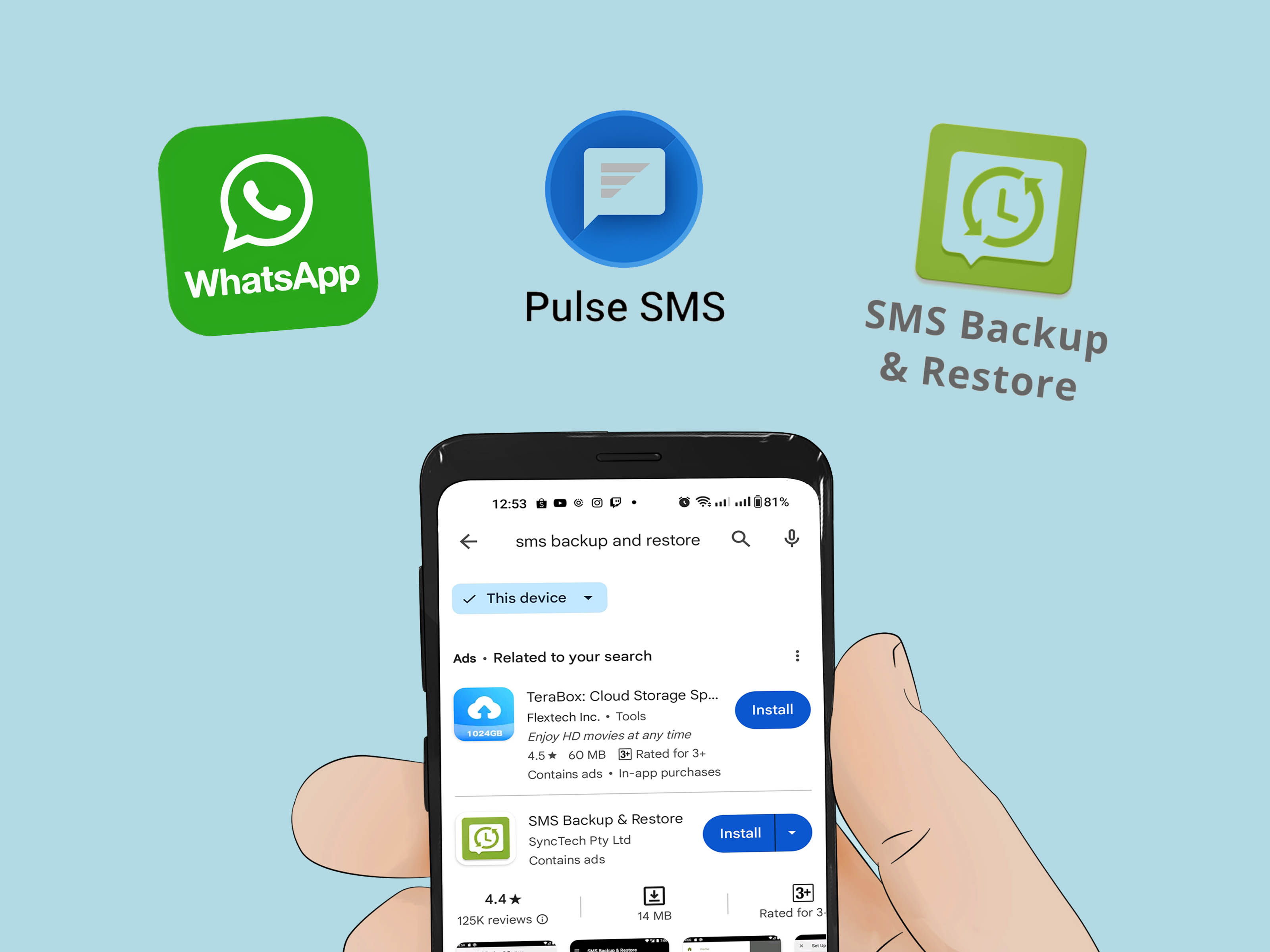
Accidentally deleted an important text on Android? Welcome to the club nobody wanted to join.
The good news: recovery is often possible. The less-fun news: it depends on how the message was deleted,
what phone you use, and whether backup was enabled before disaster struck. This guide walks you through the real recovery methods
that actually work in 2026without sketchy promises, fake miracle tools, or “just click this ad” nonsense.
You’ll learn the practical recovery paths for Google-backed Android phones, Samsung Galaxy devices, carrier cloud services,
and backup apps. You’ll also get a reality check on third-party recovery software, a prevention checklist, and a long set of
real-world experience scenarios at the end so you can see what succeeds (and what usually fails) in everyday use.
The Quick Reality Check: Can Deleted Android Texts Be Recovered?
Yessometimes. Recovery success depends on where the message existed before deletion:
- Best case: It was backed up to Google or Samsung Cloud, or still in Samsung Messages Trash.
- Good case: It was archived (not deleted), or synced to another device.
- Hard case: It was permanently deleted and never backed up.
- Very hard case: You kept using the phone heavily after deletion, which can overwrite recoverable fragments.
Think of deletion on Android like erasing a whiteboard and then immediately writing a grocery list over it.
The more new data you create, the lower your chances of recovery.
Before Recovery: Do These 6 “Data First Aid” Steps
1) Stop using the phone immediately
Don’t install apps, take photos, or record video. New writes reduce recovery odds.
2) Turn on Airplane mode
This helps reduce background sync and app updates that write new data.
3) Check if you deleted or archived
In Google Messages, many people archive by mistake and panic-delete in their imagination. Verify first.
4) Check backup status now
Go to Settings > Google > Backup and check the latest backup timestamp and included data.
5) Don’t trust random “1-click recovery” APKs
Stick to reputable tools from the Play Store and keep Play Protect enabled.
6) Recover only data you’re authorized to access
Recover your own messages or data you have legal permission to restore. Anything else can cross legal and ethical boundaries fast.
Method 1: Recover Deleted Texts from Google Backup (Most Android Phones)
If your phone used Google backup, this is usually your strongest mainstream option.
Google backups can include SMS/MMS and device settings, and restoration typically happens during setup of a new device
or after factory reset.
How to check if recovery is possible
- Open Settings > Google > Backup.
- Check Last backup time.
- Confirm whether message data is included.
How recovery works
If the backup includes the deleted message (i.e., the backup was made before deletion), restore from backup during device setup.
If your phone is already fully set up, recovering via this path may require resetting the device first.
When this method is ideal
- You recently replaced your phone.
- You can tolerate factory reset/setup flow if needed.
- The deleted message existed at backup time.
When this method disappoints
- The deletion happened before the most recent backup completed.
- Backup was never enabled.
- You need only one message and don’t want full restore workflow.
Method 2: Samsung Galaxy Recovery (Trash + Cloud + Smart Switch)
Samsung users get a few extra advantages. If you used Samsung Messages, deleted texts may be in Trash and can be restored directly.
Samsung also supports recovery paths through Samsung Cloud and Smart Switch backups.
A) Restore from Samsung Messages Trash
- Open Samsung Messages.
- Tap the 3-dot menu > Trash.
- Select message(s) > Restore.
B) Restore from Samsung Cloud
- Go to Settings > Accounts and backup.
- Tap Restore data under Samsung Cloud.
- Select device backup and restore Messages.
C) Restore from Smart Switch backup
If you made a Smart Switch backup (phone-to-phone, PC/Mac, or external storage), restore Messages from that backup.
Important nuance: on Samsung’s official guidance, Google Messages does not offer a recycle bin for deleted messages;
archived conversations can be restored, but permanently deleted ones typically can’t.
Method 3: If It’s Not Deleted, It Might Be Archived (Google Messages)
You might not need “recovery” at all. In Google Messages:
- Open Google Messages.
- Tap your profile icon.
- Open Archived.
- Select conversation > Unarchive.
This is the happiest possible ending: no reset, no backup restore, no emotional damage.
Method 4: Carrier and Cloud Paths (What Still Works)
Carrier-based message backup changed a lot in recent years. Some older services have been sunset.
For example, AT&T has retired its Messages Backup & Sync ecosystem; users are directed toward default messaging apps
and Google Messages workflows instead.
If you relied on carrier cloud tools in the past, verify what remains available in your account today.
Don’t assume last year’s process still exists. For many users, modern recovery now depends more on device/cloud backup
than carrier sync products.
Practical carrier checklist
- Log in to your carrier account and check whether message cloud backup still exists for your line.
- Check whether only device-stored messages remain accessible.
- If cloud service was sunset, pivot to Google/Samsung backup strategies.
Method 5: Third-Party Recovery Apps and Desktop Tools
Let’s talk about the elephant in the room: apps that promise to recover “everything instantly.”
What’s true
- Some tools can recover data in limited scenarios.
- Success is usually higher when there’s an existing backup.
- Some methods require advanced access (sometimes root), which increases risk.
What’s usually not true
- “100% guaranteed recovery” on modern encrypted Android phones.
- Reliable recovery after heavy phone use post-deletion.
- Safe sideloaded tools from unknown websites.
Why recovery is harder on modern Android
Android security has improved significantly: strong encryption, secure storage behavior, and app sandboxing all reduce
unauthorized access to old data blocks. Great for privacy, less great for emergency message archaeology.
Safety rules before trying any third-party app
- Use Play Store versions from reputable developers.
- Check recent reviews and update history.
- Keep Play Protect enabled.
- Avoid giving broad permissions unless necessary.
Fast Decision Table: Pick the Right Recovery Path
| Situation | Best Action | Chance of Success |
|---|---|---|
| Samsung Messages + recently deleted | Check Trash and restore directly | High |
| Google backup enabled before deletion | Restore during setup or after reset | Medium to High |
| Conversation was archived | Unarchive in Google Messages | Very High |
| No backup + permanent deletion | Try reputable recovery tool quickly, then stop | Low to Medium |
| Carrier cloud service was discontinued | Move to device/cloud backup workflow | Depends on prior backup |
How to Prevent This Ever Happening Again
1) Turn on automatic Google backup
Verify backups are active and recent. Don’t just “assume” it’s on.
2) Export important conversations monthly
If you have legal, financial, medical, or sentimental messages, keep a secondary backup strategy.
3) Use archive instead of delete
Archive is your safety net. Delete is the trapdoor.
4) Keep messaging app choices consistent
Frequently switching default messaging apps can create confusion around where messages are stored and synced.
5) Run quarterly backup drills
Once every 3 months, verify you can actually restore. Backups are only “real” when tested.
Common Mistakes That Kill Recovery Odds
- Installing random recovery apps right after deletion.
- Continuing normal phone use for days before attempting recovery.
- Ignoring archive folders and jumping straight to reset.
- Forgetting to check whether the deleted message existed in the latest backup snapshot.
- Confusing “sync” with “backup.” They are not always the same thing.
FAQ: Short, Honest Answers
Can I recover one deleted SMS without factory reset?
Sometimesespecially on Samsung Trash or if it was archived. Google backup restoration usually happens during setup/reset workflows.
Do third-party tools always need root?
Not always, but deeper recovery attempts often push toward elevated access. Rooting can reduce security and may void support paths.
If I deleted in Google Messages, is it gone forever?
If truly deleted (not archived) and no usable backup exists, recovery is often very difficult.
Can my carrier get back deleted texts?
Consumer-facing message backup options vary, and some older sync products were retired. Check your carrier’s current policy and tooling.
500-Word Experience Section: What Recovery Looks Like in Real Life
In real-world support cases, deleted-text recovery is rarely about one magical button. It’s usually a mix of timing, backup habits,
and understanding the difference between “deleted,” “archived,” and “synced.” One common scenario is the “new phone panic” case:
someone migrates to a new Android device, sees missing conversations, and assumes deletion. In many of these cases, the texts were either
archived, tied to a different Google account, or not fully restored yet because setup wasn’t completed. Once the right account is selected
and sync finishes, messages often reappearno forensic wizardry required.
Another frequent experience happens with Samsung users. They delete a thread, regret it 30 seconds later, and start searching for aggressive
recovery software. But Samsung’s built-in Trash frequently solves the problem in under two minutes. This is one of the cleanest recovery wins:
open Samsung Messages, visit Trash, restore conversation, breathe again. In contrast, users on Google Messages who permanently delete a thread
often face a tougher path. If the conversation wasn’t backed up beforehand, success rates drop quickly.
There’s also the “I had backup on… I think” situation. People assume backup was enabled because they used Android for years, but settings were
changed during a reset, an account switch, or storage cleanup. When they finally check Backup settings, the last successful backup is months old.
In these cases, recovery can still workbut only for older snapshots. This is why routine backup checks matter more than most people realize.
A very practical case appears in family tech support: parents or grandparents accidentally clear message history while cleaning notifications.
Recovery outcomes are best when the helper immediately tells them to stop using the phone, enables airplane mode, and checks backup status before
doing anything else. That pause prevents additional writes and preserves any remaining recovery window. It feels boring, but boring is good when data
is on the line.
Then there’s the third-party app story. Some users do recover partial data, especially when there’s an existing export or backup from a known app.
But “deep recovery” claims are often oversold. Modern Android security is designed to protect user data, so random apps can’t simply rummage through
everything like an open filing cabinet. The people with the best outcomes are usually the ones who use reputable tools cautiously, avoid sideloading,
and stop as soon as they realize the deleted message wasn’t in any backup snapshot.
Finally, the most successful long-term users adopt a “message resilience” routine: archive instead of delete, auto-backup on, and monthly export for
high-value conversations (legal, medical, business, sentimental). When deletion accidents happenand they always dothey recover calmly because they
built a system before the emergency. That’s the biggest lesson from years of Android recovery cases: recovery starts long before deletion.
Conclusion
If you need to recover deleted text messages from Android, start with the highest-probability paths: archive checks, Samsung Trash (if available),
and cloud backups from Google or Samsung. Move quickly, minimize phone use, and avoid risky tools. Most importantly, set up a backup routine today.
Future-you will be deeply grateful, and present-you can stop stress-refreshing your Messages app like it owes you rent.