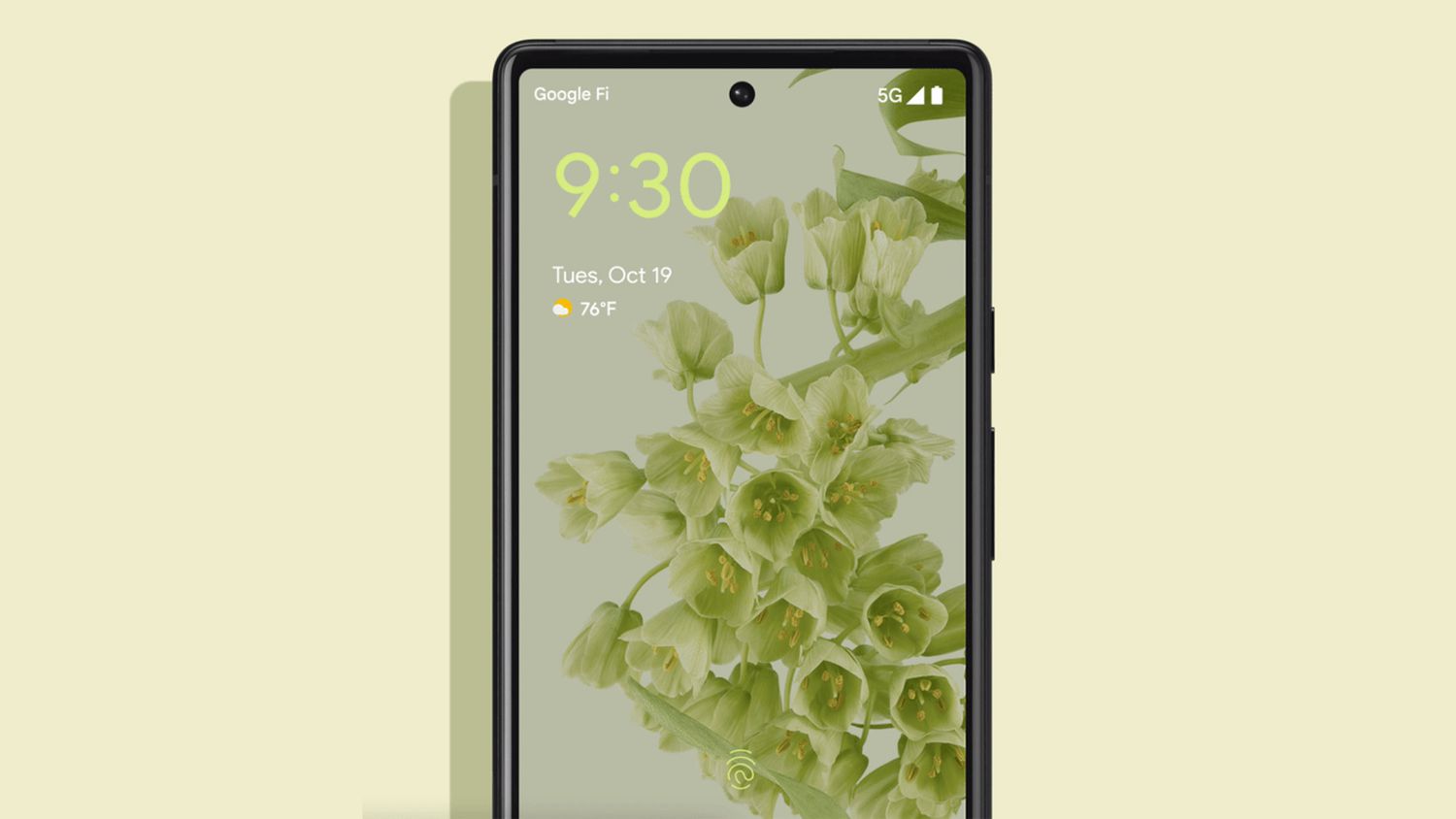
When Google launched the Pixel 6, it came with a killer camera, a fresh design, and a new Tensor chipand one very controversial feature: the in-display fingerprint scanner.
For a lot of people, unlocking the phone felt less like “tap and go” and more like “tap, wiggle, pray, and try again.”
The good news? Over time, Google has been quietly (and sometimes loudly) shipping software updates that improve the Pixel 6 fingerprint scanner.
From the surprise mid-November 2021 patch to later Android 13 and Android 16-based updates, the Pixel 6’s biometric experience has come a long way.
In this article, we’ll break down what actually changed, how much better the fingerprint sensor feels after these updates, and what you can do to get the smoothest, quickest unlocks possible.
Why the Pixel 6 Fingerprint Scanner Was So Controversial
On paper, the Pixel 6’s under-display fingerprint reader sounded great: a modern optical sensor built into the screen, freeing up the back and sides for a clean design.
In reality, a lot of early users ran into three big issues:
- Slow unlock times: You had to hold your finger down longer than on many Samsung or OnePlus phones.
- Inconsistent recognition: Sometimes it worked flawlessly, sometimes it refused to recognize you three times in a row.
- Screen protector drama: Certain tempered glass protectors made the reader almost unusable.
Google’s official explanation pointed to “enhanced security algorithms” and more demanding image processing as reasons why the sensor felt slower or pickier than other phones.
In other words: the phone was being extra careful that it was really your finger, which added some friction to the experience.
At the same time, user forums, Reddit threads, and support pages were filling up with tips, complaints, and workarounds.
It was clear that even if the hardware choice made sense on paper, the software still needed tuning.
The First Big Fix: Mid-November Pixel 6 Update
In mid-November 2021, Google pushed out an unusual out-of-cycle software update just for the Pixel 6 and 6 Pro.
This wasn’t your standard monthly security patchit was a small, targeted update that many carriers (like Verizon) specifically described as one that
“improves the performance of your device’s fingerprint sensor.”
Tech sites and early adopters reported that after the update:
- The fingerprint scanner felt a bit faster in many situations.
- The success rate went up, especially for users without thick screen protectors.
- Some people said the phone finally felt “normal” to unlock; others noticed only modest improvements.
Speed vs. Consistency
One interesting takeaway from early testing: Google seemed to be focusing more on consistency than raw speed.
The unlock animation and response might still feel a touch slower than some competitors, but you were more likely to get in on the first try.
In the biometrics world, that trade-off is pretty common. A system can be:
- Fast but loose, accepting more borderline matches, or
- Slower but strict, demanding a cleaner fingerprint read before unlocking.
Google leaned toward strictand then used updates to shave off the rough edges.
What About Screen Protectors?
Screen protectors were another big part of the story. Google’s own support documentation warns that non-certified protectors can interfere with the Pixel 6’s fingerprint sensor,
and recommends using “Made for Google” certified glass or film.
After the update, users with quality screen protectors reported better reliability, but cheap or overly thick glass could still cause issues.
The update helped, but it couldn’t magically fix physicsan optical sensor still needs to “see” your finger through the glass.
Beyond the First Patch: Android 13 and Later Improvements
The mid-November update was just the beginning. Over the next couple of years, Google continued to tweak fingerprint performance as part of larger Android updates and Pixel feature drops.
Android 13: A Big Jump for Some Users
When Android 13 beta 2 arrived on the Pixel 6 series, some early adopters noticed what they called a “massive” improvement to the under-display fingerprint scanner.
For those users, the sensor finally felt closer to what they expected from a flagship phone.
Not everyone had a night-and-day experience, but many reported:
- Fewer “fingerprint not recognized” messages.
- Less need to press hard or hold the finger down for a long time.
- More reliable performance with everyday smudges and minor moisture.
Ongoing Pixel Updates and Android 16 Era Fixes
As Android 15 and Android 16 builds rolled out, Google kept refining lock-screen behavior and fingerprint performance across supported Pixels, including the Pixel 6.
Some updates introduced new bugs (like quirky lock screens and temporarily flaky fingerprint unlock), but subsequent patches focused on ironing those out.
The big picture: over multiple updates, the fingerprint scanner on the Pixel 6 has shifted from “frustrating quirk” to “mostly fine,”
especially if you keep your phone up to date and follow best practices.
How Much Better Is the Pixel 6 Fingerprint Scanner Now?
So, after all these updates, how does the Pixel 6 actually feel in daily use?
Based on tech reviews, community threads, and troubleshooting guides, you can roughly sort user experiences into three groups:
-
The “It’s Totally Fine Now” Crowd:
These users report quick, reliable unlocks after recent updates. They’re using decent screen protectors (or none), enroll their prints properly,
and rarely think about the sensor anymore. -
The “Better, But Not Perfect” Group:
They notice improvementsfewer failures, slightly faster unlocksbut still feel the Pixel 6 trails some other flagships.
It works, but occasionally makes them re-scan a finger or revert to PIN. -
The “Still Annoyed” Minority:
A smaller set of users still see frequent misreads, especially after screen replacements, on older or damaged devices, or with very thick protectors.
Realistically, the updates haven’t turned the Pixel 6 into the absolute best fingerprint phone on the market, but they’ve made it significantly more usable than it was at launch.
How to Get the Most Out of the Updated Pixel 6 Fingerprint Sensor
Even with Google’s improvements, a few smart habits can make a huge difference in how your Pixel 6 fingerprint scanner behaves.
1. Make Sure You’re Fully Updated
Step one is simple but essential: go to Settings > System > System update and install the latest update available for your device.
Many fingerprint improvements are bundled with security patches, feature drops, or Android version updatesnot just standalone fingerprint fixes.
2. Use a Quality Screen Protector
If you use a screen protector, aim for:
- A reputable, Pixel-specific protector (ideally “Made for Google” certified).
- Glass or film that explicitly states compatibility with under-display fingerprint readers.
- Correct installation: no trapped bubbles or dust directly over the sensor area.
Sometimes just swapping a cheap protector for a good one can feel like a major “update” on its own.
3. Re-Enroll Your Fingerprints After Major Updates
After a big Android update or security patch, it’s worth deleting your old fingerprints and adding them again. Here’s why:
- Algorithm changes may work better with fresh samples.
- Your fingers themselves change over timetiny cuts, dryness, or calluses matter.
- Re-enrollment helps the phone “re-learn” the best angles and pressure.
Pro tip: enroll the same finger more than once, at slightly different positions and angles. This can improve recognition when your thumb lands differently each time.
4. Keep the Sensor Area Clean
A smudged screen can confuse an optical reader. Wipe the lower portion of your screen regularly with a soft cloth, especially after eating, applying lotion, or being outside in the cold.
5. Turn On “Increase Touch Sensitivity” If Needed
Under Settings > Display, many Pixel devices have an option like “Increase touch sensitivity” for use with screen protectors.
While it mainly affects touch input in general, some users feel it helps the fingerprint sensor respond more consistently through glass.
Is the Pixel 6 Fingerprint Scanner Finally “Good Enough”?
If you’re expecting the Pixel 6 to feel exactly like a top-tier Samsung phone with an ultrasonic sensor or like a dedicated side-mounted reader, you might still notice differences.
Optical in-display scanners have their own personality: they like clean fingers, clear glass, and a solid press.
But if your bar is “reliable enough for daily use without making me rage-tap my screen,” the updates have pushed most Pixel 6 units into that zone.
For many owners, the fingerprint scanner is no longer a deal-breakerit’s just another part of the phone that, finally, does its job.
Hands-On Experiences with the Updated Pixel 6 Fingerprint Scanner
Let’s zoom in on what life with an updated Pixel 6 actually feels like. Think of this as a stitched-together story from countless users who’ve lived through the “before and after” of Google’s fingerprint updates.
Picture this: when the Pixel 6 first launched, you’d pull the phone out of your pocket at the grocery store checkout, tap the fingerprint icon to approve Google Pay, and … nothing.
The cashier stares. You stare. You tap again. The scanner blinks like it’s thinking about it. Maybe it lets you in. Maybe it shrugs and asks for your PIN instead.
It worked, but never felt fully trustworthy.
After the updates, that moment looks a little different. You tap the icon, hold your thumb for a beat, and the phone just unlocks.
It’s not instant in a superhero way, but the hesitation is mostly gone. Instead of wondering “Will this work?”, you mostly assume it will.
Many users describe the shift in very human terms: the phone went from being “picky and moody” to “a little slow but dependable.”
It’s like dealing with a barista who used to get your order wrong twice a week and now only messes up on very busy Mondays. Not perfectbut your trust level is way higher.
Particularly noticeable is the improvement in edge-case situations:
- After washing your hands: Previously, slightly damp fingers meant instant failure. Now, as long as you dry them reasonably well, the scanner is more forgiving.
- On the go: Walking, holding a bag, and trying to unlock the phone one-handed used to feel hit-or-miss. With the updates and better tuning, the recognition rate improves enough that you don’t overthink it.
- With a decent screen protector: Early on, throwing on a random tempered glass protector could tank your success rate. After updates (and after switching to a quality, Pixel-friendly protector), many users report that the sensor “finally makes sense.”
Of course, there are still those frustrating edge stories: people who had their screens replaced and discovered that the fingerprint sensor suddenly refused to cooperate until they ran a calibration tool or re-registered fingerprints multiple times.
Hardware repairs and non-OEM parts can complicate things, and software updates can only do so much if the physical alignment or quality of the sensor isn’t ideal.
Another common experience is the “reset and re-enroll” ritual. After a major system update, your first few unlocks might feel off.
Then you delete all your saved fingerprints, re-add your main thumb slowly and carefully, maybe enroll it twice, and suddenly the success rate jumps.
The software improvements are there, but they really shine when paired with fresh, well-captured fingerprint data.
Over time, many Pixel 6 owners say they simply stopped obsessing over the issue. They remember the early drama, the threads, and the complaintsbut these days, they mostly use the phone without thinking about how it unlocks.
For a piece of security tech that you use dozens of times a day, that’s the real win: it fades into the background.
Is the updated Pixel 6 fingerprint scanner going to blow anyone away in 2025 and beyond? Probably not.
But for a lot of people, Google’s steady stream of updates has moved it from “problem” to “non-issue,” which is exactly what you want from a lock-screen feature.
It’s not a headline anymoreand that, ironically, might be the biggest sign that the updates worked.
Conclusion: A Flawed Start with a Much Better Finish
The Pixel 6 fingerprint scanner is a great example of how modern smartphones evolve after launch.
The hardware ships once, but the experience changes over time. Google’s early explanations, the mid-November patch, Android version updates, and ongoing Pixel feature drops all layered on improvements that you can actually feel day to day.
If you’re still rocking a Pixel 6, make sure you’re fully updated, use a good screen protector, and re-enroll your fingerprints after major software upgrades.
With those stepsand the long list of tweaks Google has already shippedyour phone’s fingerprint scanner should be more reliable, more consistent, and a lot less likely to embarrass you at the checkout counter.