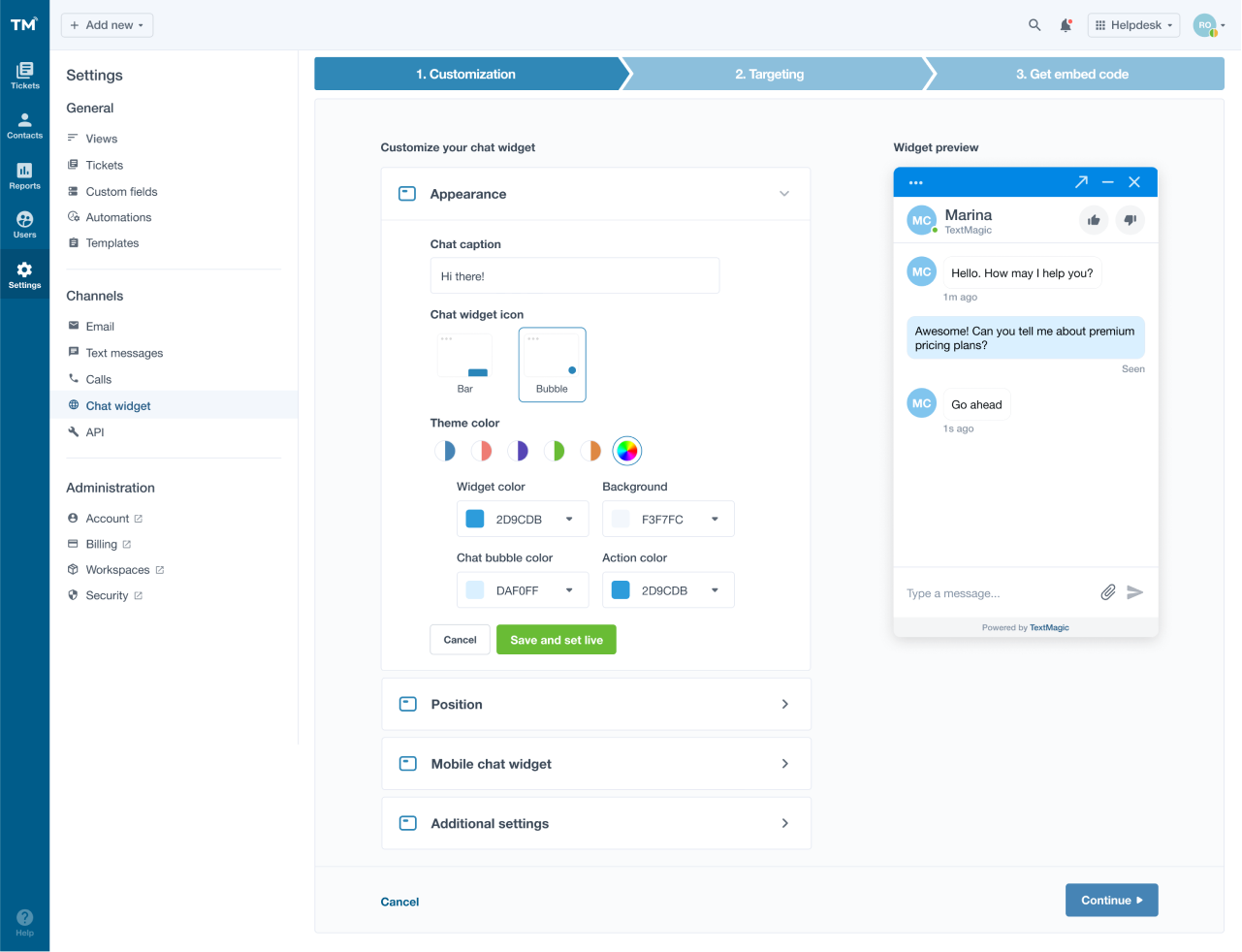
Whether you are deep into a complex software suite, setting up a multi-panel developer environment, or optimizing your setup for gaming, wrestling with a rigid default interface can severely hinder your workflow. That is where effective UI layout personalization comes into play, transforming a chaotic digital workspace into a streamlined, highly responsive command center tailored entirely to your personal habits. Far beyond mere aesthetics, shaping your digital workspace allows you to minimize friction, reduce mental fatigue, and keep your most critical tools right at your fingertips.
In this comprehensive guide, you will learn how to strategically evaluate your daily tasks, implement smart functional and visual changes, and maintain peak efficiency across all your devices. By mastering everything from custom interface color themes to advanced hardware setups, you will discover how intentional interface design dramatically improves both your daily productivity and overall user experience.
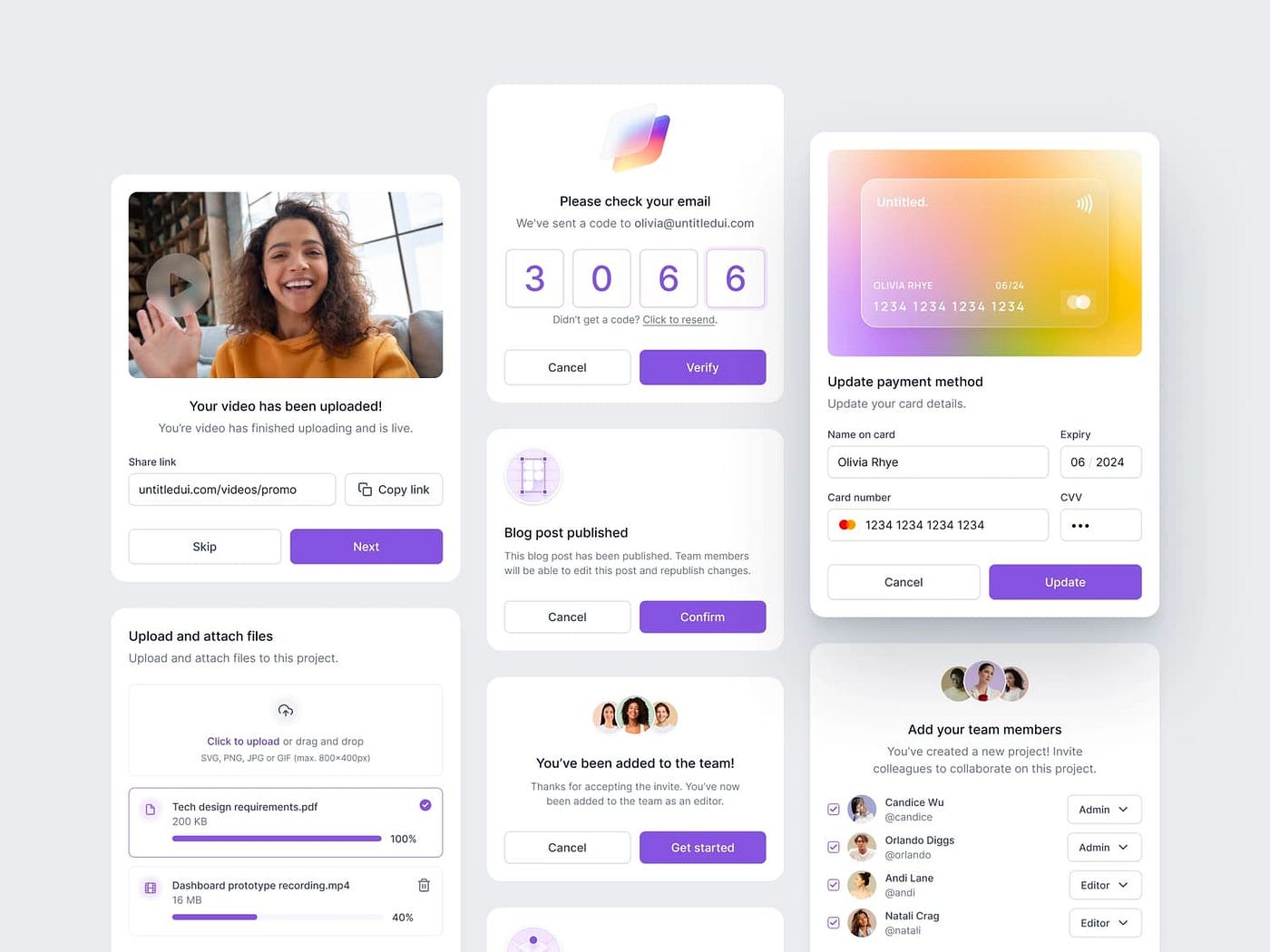
1. Understanding the Strategic Value of UI Layout Personalization
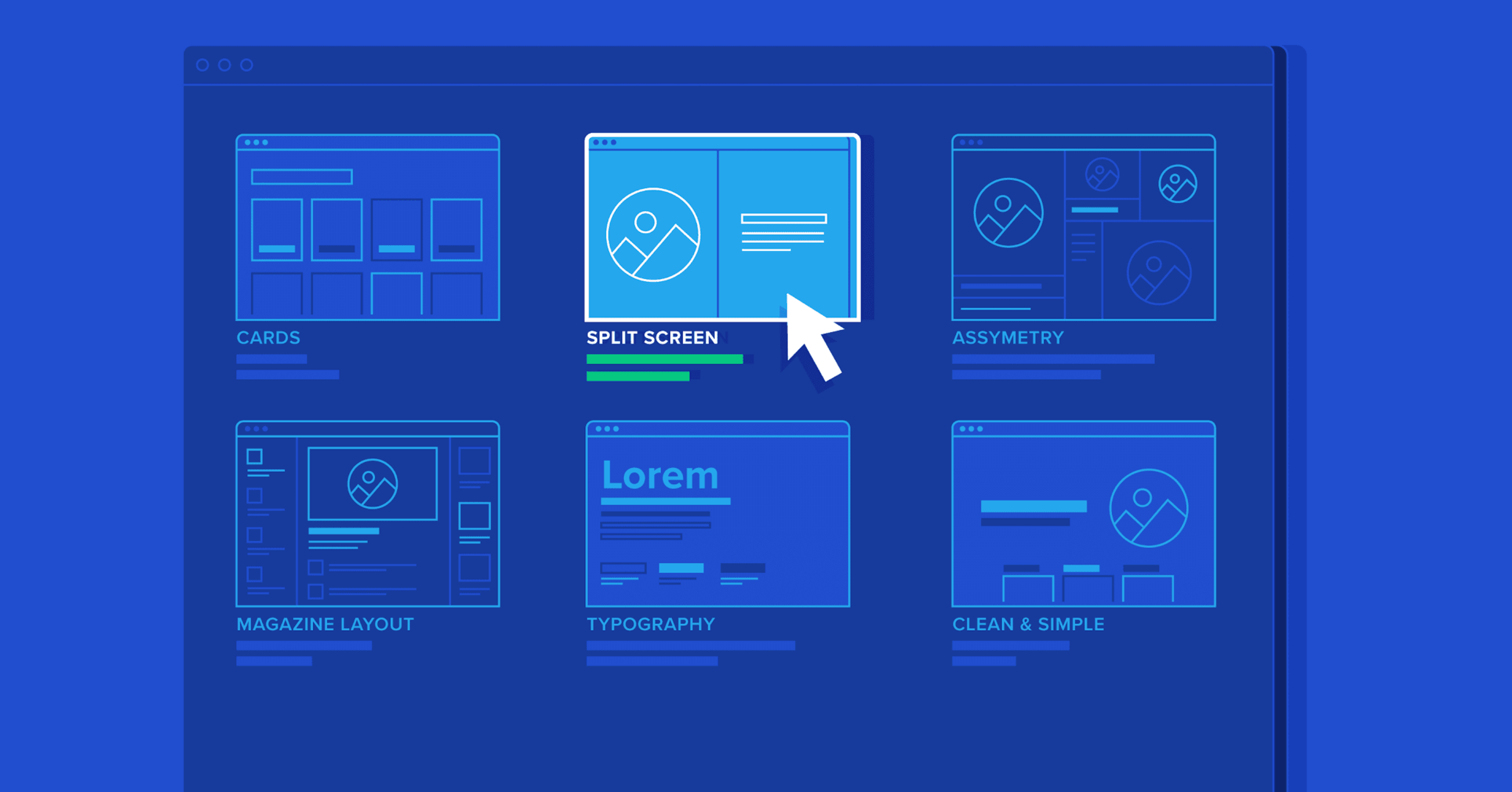
When you sit down at your digital workspace, every pixel counts. Effective UI layout personalization goes far beyond changing aesthetics or rearranging windows for the sake of novelty; it is a foundational practice that shapes how humans interact with complex software systems. By tailoring an interface to mirror specific operational workflows, professionals can drastically minimize friction between intent and execution.
1.1 The Psychological Impact of Customization on User Productivity
The layout of a digital environment directly influences mental bandwidth and emotional well-being during long work sessions. When users take control of their digital workspace, measurable cognitive and psychological benefits follow.
1.1.1 Reducing Cognitive Load Through Visual Hierarchy
Every element on a screen demands a fraction of our attention. Unorganized dashboards force the human brain to actively filter out irrelevant data points, consuming finite mental energy. Establishing a clear visual hierarchy through custom layouts ensures that critical telemetry, active documents, or primary tools occupy the most prominent focal points. By hiding peripheral noise, individuals experience a marked decrease in cognitive fatigue, allowing them to sustain high-level focus over extended periods.
1.1.2 The Role of Agency in Decreasing Workplace Stress
Digital environments can often feel rigid and imposing, leaving operators at the mercy of poorly designed default views. Exercising agency over one’s workspace restores a sense of control and autonomy. Psychological research consistently demonstrates that increased user control correlates with lower stress levels, higher job satisfaction, and greater intrinsic motivation. Personalizing an interface transforms a sterile software tool into a comfortable, intuitive extension of the user’s thought process.
1.2 Differentiating Between User-Driven Customization and Automated Personalization
While user-driven customization empowers individuals to manually construct their ideal setups, automated personalization relies on machine learning algorithms to adapt interfaces on the fly. Manual setup grants absolute predictability, ensuring that buttons and widgets never move unexpectedly. Conversely, automated systems attempt to anticipate user needs based on behavioral tracking. Striking the right balance is essential, as overly aggressive automation can disorient users who rely on stable, fixed spatial anchors to maintain their efficiency.
1.3 Essential Benefits for Enterprise Teams and Software Performance
Scaling interface adjustments across an entire organization introduces unique operational advantages and compliance considerations that impact overall productivity.
1.3.1 Scaling Individual Workflows Across Large Organizations
In enterprise settings, standardized default layouts rarely serve every department effectively. Allowing teams to develop role-specific master templates optimizes collaborative output. When developers, customer support agents, and data analysts can tailor their tools to their exact daily demands, onboarding times drop and cross-departmental efficiency scales smoothly.
1.3.2 Maintaining Compliance with WCAG Accessibility Standards
Personalization is a cornerstone of digital inclusivity. Modern layout adjustments must integrate seamlessly with Web Content Accessibility Guidelines (WCAG). Customizable interfaces enable users with visual, motor, or cognitive differences to adjust scaling, contrast, and navigation paths, ensuring that software remains accessible and legally compliant across diverse user bases.
1.4 Core Elements of a Functional Digital Workspace
Building an efficient digital workspace requires an understanding of the structural components that govern modern software interfaces.
1.4.1 Modular Widget Architecture and Information Density
Modern applications frequently utilize modular widget systems, allowing operators to snap functional blocks into place. Managing information density is critical here; packing too many widgets into a tight space creates clutter, while spreading them too thin hampers overview capabilities. Users must weigh display metrics carefully, balancing screen real estate against the immediate visibility required for their daily tasks.
1.4.2 Navigation Control and Responsive Screen Management
Seamless navigation anchors a productive setup. Responsive screen management ensures that personalized arrangements gracefully adapt when transitioning between ultra-wide desktop monitors, laptops, and mobile devices. Maintaining predictable menu placements and fluid window docking prevents workflow disruption, regardless of the display hardware in use.
2. Practical Implementation and Advanced Optimization for UI Layout Personalization
2.1 A Step-by-Step Workflow for Designing Your Custom Environment
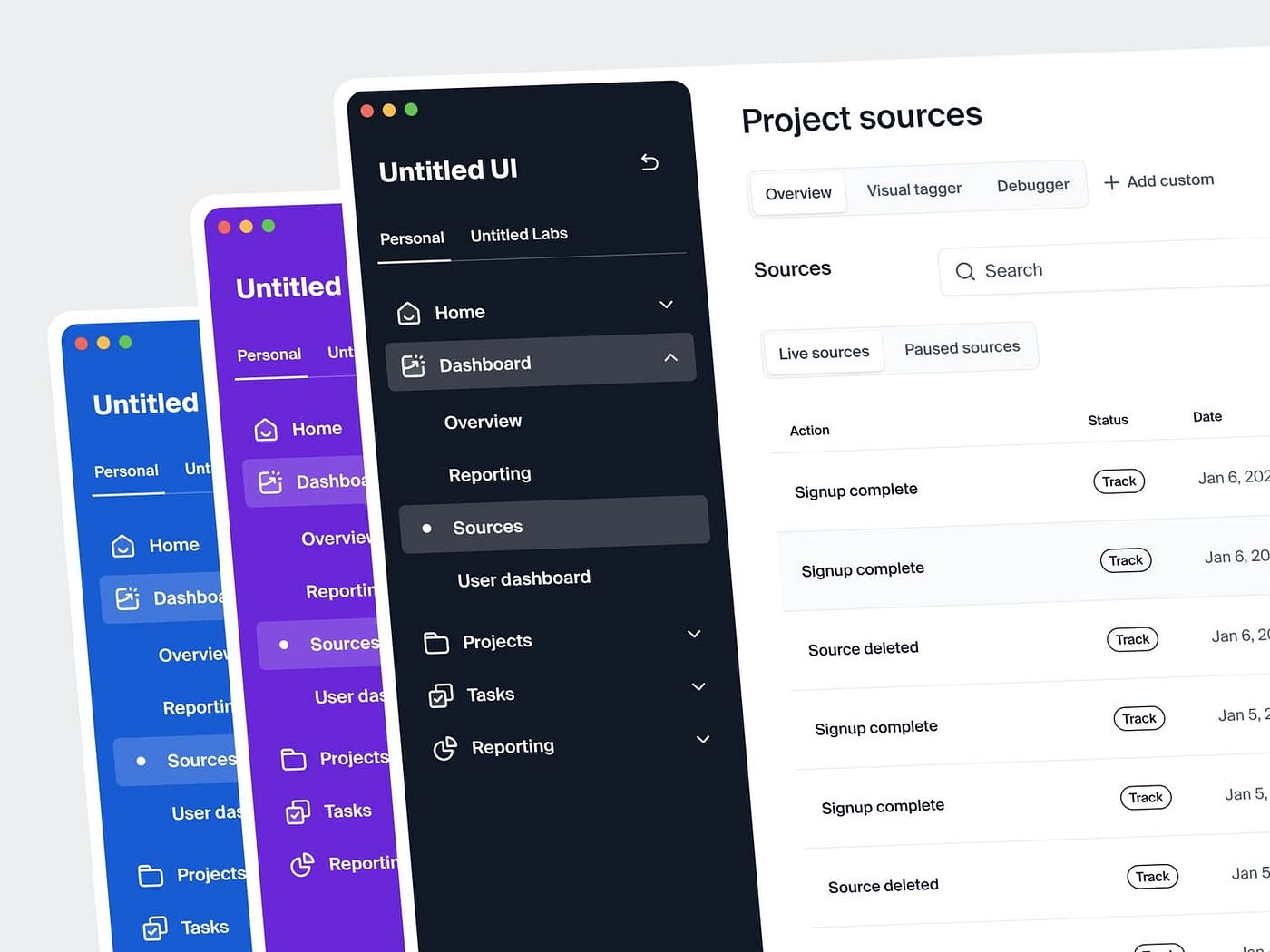
Transforming a chaotic screen into a streamlined digital workspace requires a deliberate framework. Designing an optimal workspace begins with auditing tool usage to identify high-frequency tasks, ensuring that the features you access dozens of times a day sit directly within your primary line of sight.
Once you map your core utilities, focus on eliminating visual noise via decluttering techniques. Stripping away secondary widgets, redundant menus, and flashing status indicators dramatically lowers cognitive friction. Finally, complete the foundation by establishing pinned shortcuts and strategic docking, which anchors critical navigation panels to predictable locations on your display.
2.2 Strategies for Role-Specific Layout Optimization
Generic setups rarely satisfy specialized professional demands. For instance, code editors and integrated development environments benefit immensely from customized interface color themes that reduce eye strain during extended coding sessions, alongside specialized keyboard binding setups that minimize mouse dependency.
Conversely, financial and data analysts rely on multi-panel data visualization dashboards to monitor streams of real-time metrics simultaneously. Meanwhile, digital creators and editors focus on fluid canvas management, pairing tailored controller mapping guides or macro tools with modular asset bins to maintain an uninterrupted creative flow.
2.3 Navigating Common Pitfalls and Technical Challenges
Personalization is powerful, but over-engineering an interface often backfires. Managing decision fatigue from over-customization prevents you from wasting valuable hours constantly tweaking widgets instead of executing core work. Furthermore, drastic modifications can disrupt muscle memory during interface changes, causing temporary drops in efficiency while your brain adapts to new button placements.
To safeguard your setup against hardware failures or multi-device workflows, always prioritize cross-device consistency through cloud synchronization. This ensures your customized profiles, color schemes, and toolbars transition seamlessly whether you are working from a desktop workstation or a mobile terminal.
2.4 Future Trends in Dynamic, AI-Driven Interface Adaptation
The next evolution of digital design moves beyond static user configurations toward intelligent environments. Context-aware layouts that shift based on user intent will automatically promote relevant tools to the forefront depending on the active project or task at hand.
By leveraging advanced graphic settings optimization and machine learning algorithms, future systems will study your daily habits to predict layout adjustments before you even realize you need them. This adaptive paradigm promises to bridge the gap between absolute personal control and effortless automation.
Mastering your digital workspace goes far beyond choosing a sleek desktop wallpaper or organizing desktop icons. Embracing thoughtful UI layout personalization allows you to shape a computing environment that actively reduces cognitive fatigue, streamlines daily routines, and adapts smoothly to shifting professional or creative demands. Whether you are tweaking interface color themes for better visibility during late-night projects, setting up keyboard binding setups to fast-track repetitive tasks, or relying on intelligent automation to predict your next move, every adjustment serves a singular purpose: keeping you in the flow state.
Ultimately, the best digital setup is the one that disappears into the background, leaving you entirely focused on the task at hand. Start small by auditing your daily tools, decluttering unnecessary visual noise, and refining your navigation controls. As your workflows evolve, continue to test and tweak your workspace to match your pace. By intentionally taking control of your digital layout today, you build a faster, more intuitive, and infinitely more enjoyable foundation for everything you do tomorrow.