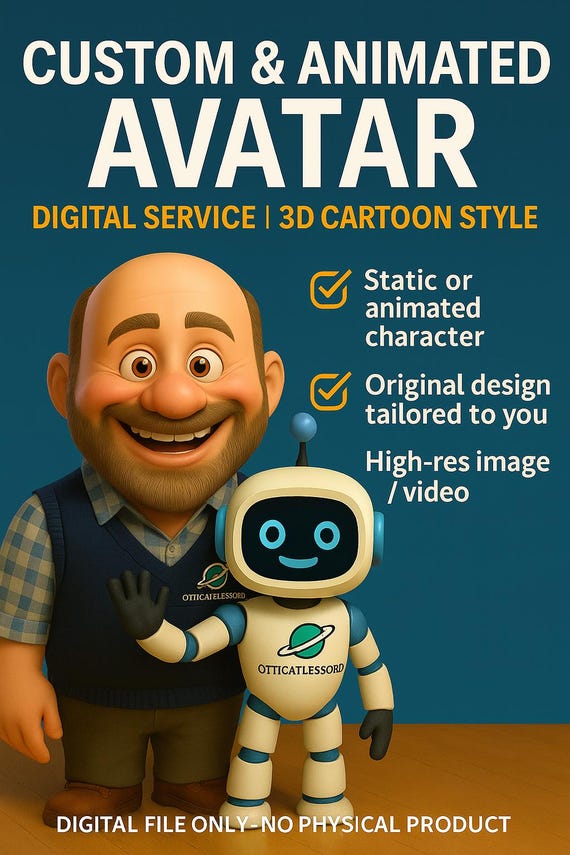
Your digital footprint is no longer defined by a static profile picture or a rigid, pre-made character model. Whether you are building an immersive persona for virtual reality, stepping into a multiplayer roleplaying server, or streaming live to an audience, bringing your digital identity to life requires dynamic movement. This is where custom avatar animations transform a simple graphic into a living, breathing extension of your personality. Going far beyond basic visual upgrades, animating your virtual self allows you to convey genuine emotion, distinct behavioral quirks, and fluid physical actions that resonate across modern gaming and social platforms.
To achieve a truly seamless virtual presence, creators must navigate a multifaceted pipeline ranging from initial asset design and rigging to advanced motion capture and real-time engine optimization. Whether you are exploring options for an upcoming character skin modding project or designing an entirely new asset from scratch, understanding how to pair the right avatar maker tool with clean rigging practices is essential. Throughout this guide, you will learn how to conceptualize your character aesthetic, master fundamental motion loops, and export performance-ready assets that look exceptional and run smoothly without sacrificing frame rates.
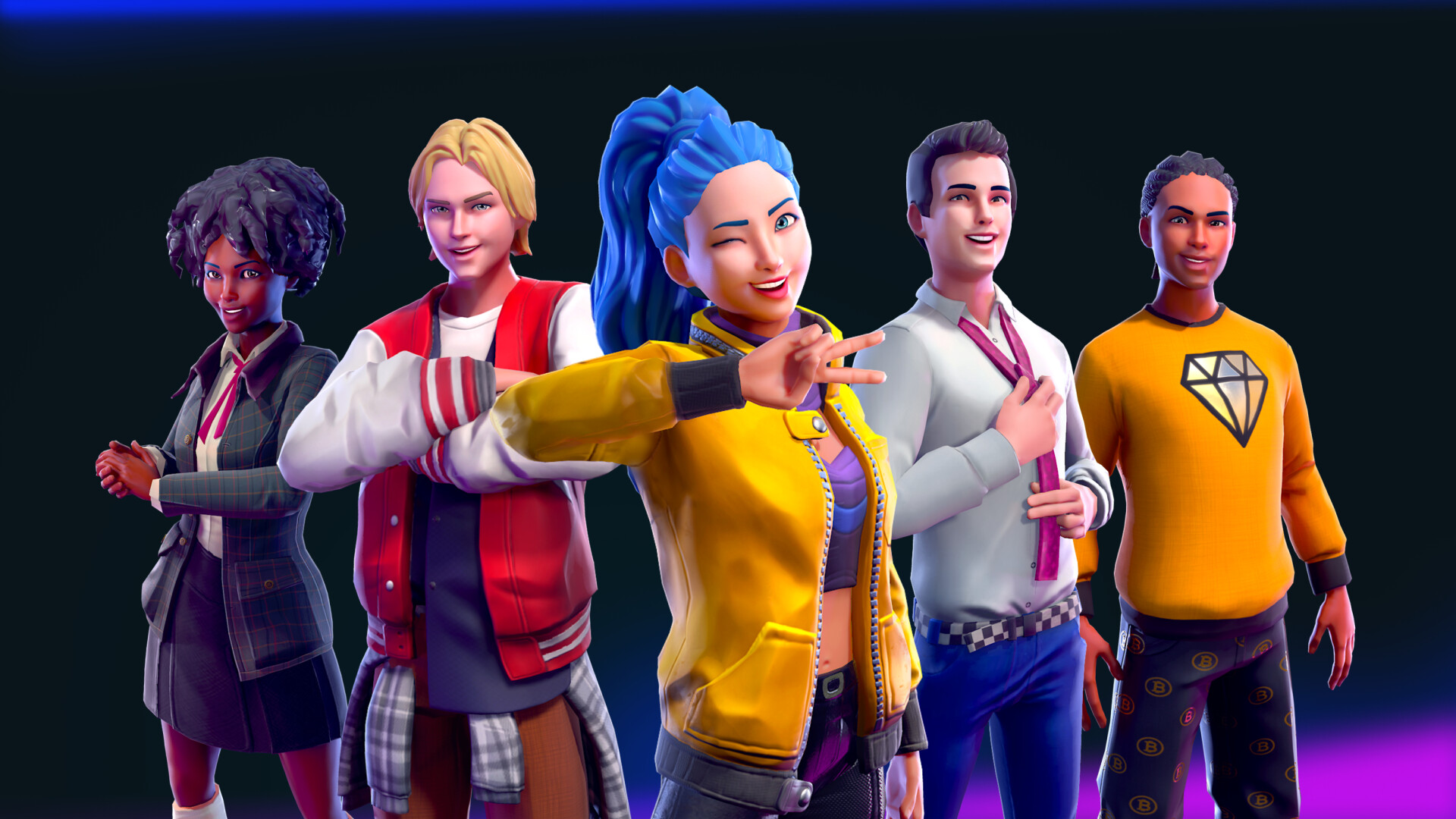
1. The Workflow of Creating and Animating Custom Avatar Animations
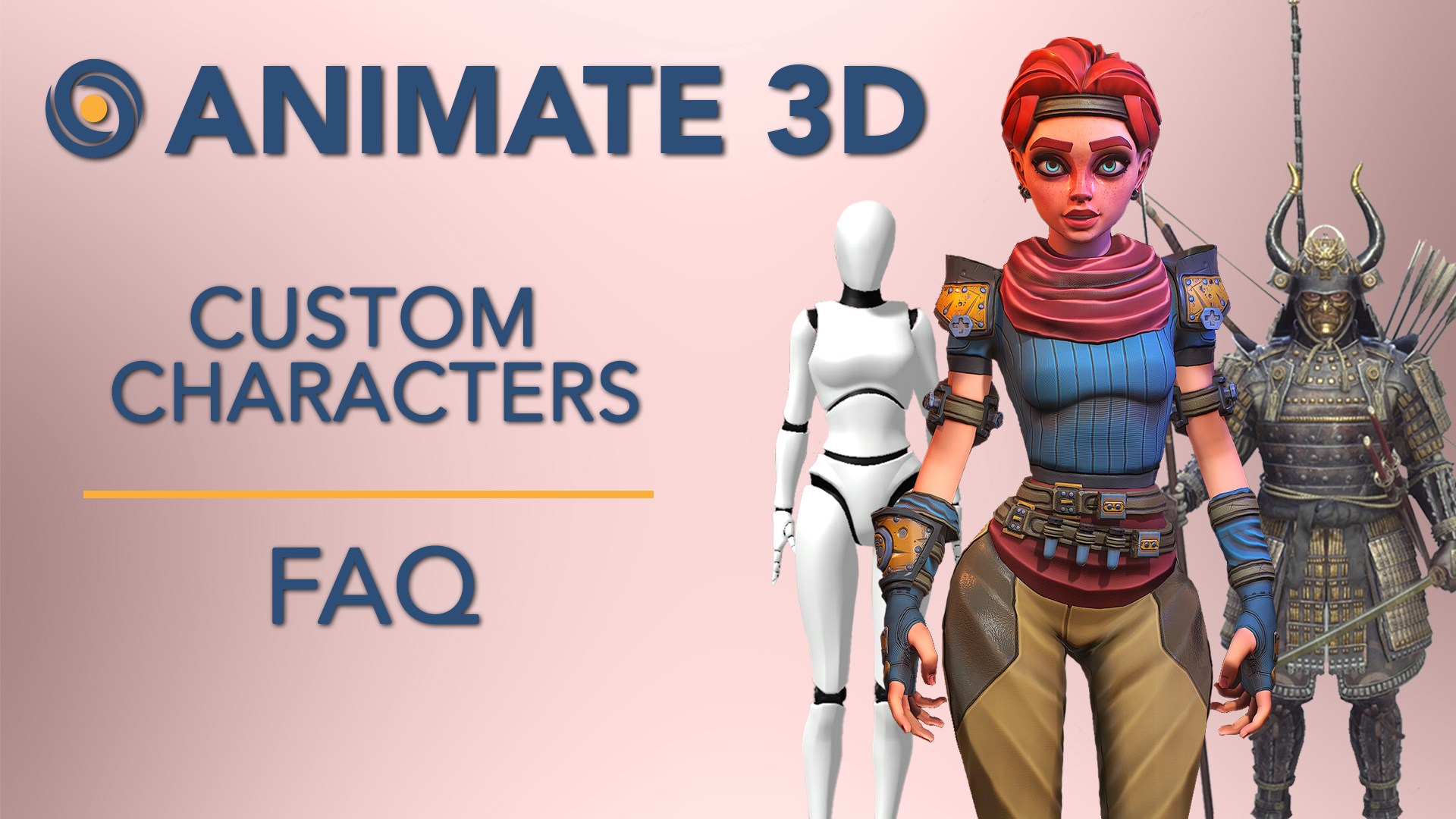
Bringing a virtual persona to life requires a structured pipeline that bridges visual design with technical execution. Developing custom avatar animations begins long before you touch rigging software; it starts with a clear vision of how your character will move, interact, and represent you across virtual spaces. Whether you are building a digital double for streaming or a unique entity for roleplaying servers, understanding the foundational workflow saves countless hours of troubleshooting later.
1.1 Conceptualizing and Designing Your Character Aesthetic
Before diving into modeling, you need to establish strict boundaries for your project. Grounding your design in reality prevents performance bottlenecks and ensures your avatar looks cohesive once it starts moving.
1.1.1 Defining Your Target Platform Requirements for Gaming or Social Media
Different platforms enforce strict technical constraints. A social virtual reality space has vastly different polycount limits and shader restrictions compared to a standalone indie title or a live-streaming platform. Analyzing where your avatar will live dictates its complexity. If you are exploring deeper visual modifications, reviewing resources on character skin modding can help you understand how textures map onto evolving mesh topologies across various game engines.
1.1.2 Selecting Art Styles Ranging from Stylized 3D to 2D Pixel Art
Your chosen art style dictates your animation workflow entirely. Clean, stylized 3D models require careful bone weighting, whereas retro-inspired formats demand a completely different approach to frame-by-frame movement. Matching your aesthetic to your technical capabilities ensures that your final animations retain their charm without crashing target applications.
1.2 Essential Software and Toolsets for Character Development
Choosing the right tool depends heavily on your current skill level and production timeline. Beginners and seasoned 3D artists alike have access to powerful ecosystems designed to streamline character creation.
1.2.1 Leveraging Accessible Character Creators like Ready Player Me and VRoid Studio
If you want to bypass the grueling phases of base mesh modeling, an intuitive Character Creator or specialized avatar maker can provide an instant foundation. Platforms like VRoid Studio and Ready Player Me allow creators to generate rigged 3D models rapidly, letting you jump straight into wardrobe customization and custom avatar animations without starting from a blank canvas.
1.2.2 Utilizing Industry Standard Modeling and Rigging Software like Blender and Maya
For granular control over topology, rigging, and skeletal structures, professional suites like Blender and Autodesk Maya remain unmatched. These programs allow you to sculpt custom bone hierarchies, define inverse kinematics, and sculpt fine details that automated generators simply cannot replicate.
1.3 Preparing Assets for Successful Animation
A poorly prepared mesh will warp, tear, or distort the moment an animation loop begins. Proper asset prep is the invisible backbone of fluid character motion.
1.3.1 Structuring Layers and Meshes for Clean Weight Painting
Clean topology with properly spaced edge loops is essential for deformation. When weight painting your character mesh, take time to isolate joints like shoulders, hips, and knees. Ensuring that vertex weights transition smoothly prevents clothing and skin from clipping during high-motion sequences.
1.3.2 Configuring Blend Shapes for Realistic Facial Expressions
Skeletal rigs handle gross body movements, but subtle emotions rely entirely on blend shapes or morph targets. By mapping distinct facial configurations—such as blinking, smiling, and brow-raising—you give your avatar the range of expression needed to feel truly alive during interactions.
Technical Implementation and Optimization of Custom Avatar Animations
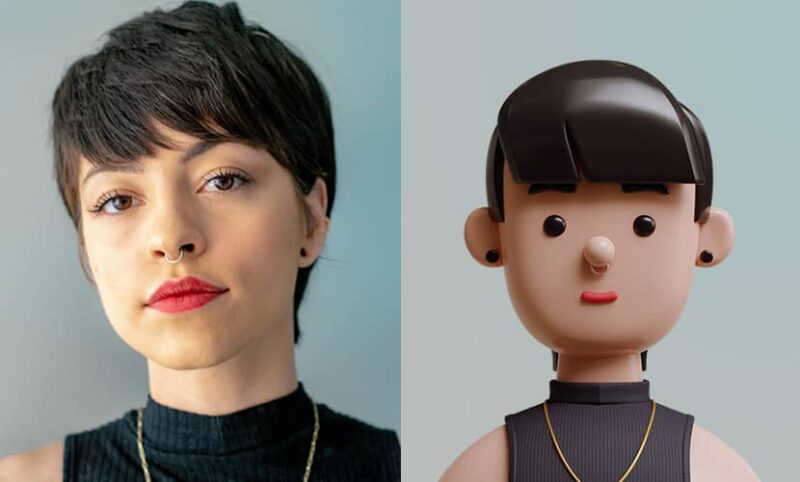
Bringing a virtual character to life requires a careful balance between artistic expression and technical performance. Once your visual assets and rigging setups are complete, focusing on the mechanics of movement transforms a static model into an engaging digital persona. Whether you are building an asset for an immersive open-world title or streaming live to an online audience, understanding how data flows from your animation software to your game engine is critical for maintaining visual fidelity and system stability.
Applying Principles of Motion to Virtual Characters
Mastering core animation loops for idle states and locomotion forms the backbone of believable character movement. An idle loop must feel organic, incorporating subtle breathing motions and micro-adjustments so the character never looks frozen. When transitioning into running or walking cycles, maintaining consistent root motion prevents foot-sliding artifacts that break immersion.
Beyond basic physics, implementing squash and stretch gives your custom avatar animations a distinct personality and energetic flair. Even in realistic 3D models, a micro-deformation during a jump landing or sudden stop adds weight and impact, making the character feel responsive and grounded within its virtual environment.
Advanced Motion Capture and AI Integration Techniques
Modern workflows leverage real-time motion capture for VTubing and live streaming, allowing creators to map facial expressions and body movements directly to their avatars instantly. This approach significantly cuts down production time for streaming content, though it often requires a preliminary cleanup phase to filter out tracking jitter from webcams or dedicated hardware.
To further streamline development, incorporating AI-assisted tools to automate keyframe animation helps bridge gaps in repetitive cycles. Machine learning algorithms can quickly generate secondary motion, such as hair sway or clothing physics, letting you focus on fine-tuning the character’s primary performance rather than spending hours on manual adjustments.
Exporting and Optimizing Avatars for Real Time Performance
Understanding file format compatibility for Unity and Unreal Engine ensures your rigged models and animation trees import without broken bone hierarchies or missing materials. Standardizing your export settings—such as FBX or glTF formats—guarantees that skeletal data remains intact across different platforms and engines.
Finally, optimizing polygon counts and texture maps prevents lag during high-intensity scenarios. Implementing proper level-of-detail (LOD) models and compressing high-resolution texture assets keeps frame rates stable, ensuring smooth performance regardless of hardware limitations. For a deeper dive into optimizing your digital environment, check out this comprehensive Graphic Settings Optimization: Performance & Visual Guide to fine-tune your overall setup.
Mastering custom avatar animations bridges the gap between static digital identity and truly immersive virtual engagement. Whether you are building an interactive persona for live streaming, developing a character for game engines, or experimenting with a brand-new character creator, the journey requires a balance of artistic vision and technical precision. By carefully planning your aesthetic, utilizing accessible software toolsets, and prioritizing real-time optimization, you can bring any digital asset to life with fluid movement and expressive personality.
As technology continues to evolve, creating dynamic virtual personas has never been more accessible. From leveraging AI-assisted keyframe automation to integrating real-time motion capture, creators at every skill level have the power to build unique, high-performance animations that captivate audiences across modern platforms.